Custom domain email not receiving is a broken path from public MX to the folder you search. Walk the path in order: nameservers, exclusive MailerZ MX, leftover hosts gone, named alias, unique probe, hop history, then Gmail or Outlook including spam. Do not start at DKIM. Do not start at a suite purchase. Empty hop means the message never reached MailerZ.

Quick answer for custom domain email not receiving
IETF RFC 5321 — Simple Mail Transfer Protocol delivers to the MX the sender’s resolver returns. IETF RFC 1035 — Domain names is how that MX is published. If two companies are still on the MX set, some senders never hit MailerZ and you will see custom domain email not receiving while leftover Google looks healthy. Delete leftovers. Leftover MX.
If MX is exclusive and history is empty, the sender never arrived or you edited the wrong panel. If history shows accept 550 or hold, the local-part is not a named alias. Free holds unknown. If history shows 250 and Gmail is empty, search spam and the correct user. If history shows destination 5xx, the store refused. Rejection diagnosis.
MailerZ Free is one domain, ten aliases, 14-day store, one seat, send-as disabled, SMTP and API disabled. Solo is $40 per year. Starter is $8 or $80. Business is $19 or $190. Agency is $39 or $390. Unlimited is $99/month or $990/year. Confirm pricing. None of those cards replace exclusive MX.
Related: MX troubleshooting, DNS looks correct, self-send, troubleshooting.
Tools: MX lookup, leftover MX. Pretty registrar badges are not a path.
The user problem and the decision criteria
Founders print hello@ on a website, send themselves a test from Gmail, see nothing, and buy Workspace. The path failed at leftover MX, a missing alias, or a self-send short-circuit. Custom domain email not receiving is five different tickets. Name the step before you spend.
| Symptom | Step | Fix |
|---|---|---|
| Public MX still shows Google | Leftover | Delete old hosts the same hour. |
| You edited GoDaddy, NS is Cloudflare | Wrong panel | Open the authoritative host. |
| hello@ works, billing@ does not | Alias | Create the name. Check hold. |
| Hop 250, inbox empty | Folder | Spam, other user, filters. |
| Hop dest 5xx | Store refuse | Gmail or Outlook admin. |
| Only self-send failed | Invalid test | Third mailbox. |
Send-as not working is not this page. Free has no send-as. Inbound can be healthy while From still shows Gmail. Split those tickets.
Catch-all forward on paid is not a substitute for creating printed names on day one. Hold on Free will keep unknowns if you look. Flooding Gmail with guessed local-parts is a different failure called success.
Technical mail flow from MX to inbox
Sender lookup → exclusive MailerZ MX → named alias accept → store → SRS envelope → forward to Gmail or Outlook → destination 250/4xx/5xx → folder. Header From stays the author. MailerZ does not rewrite From. Email forwarding.
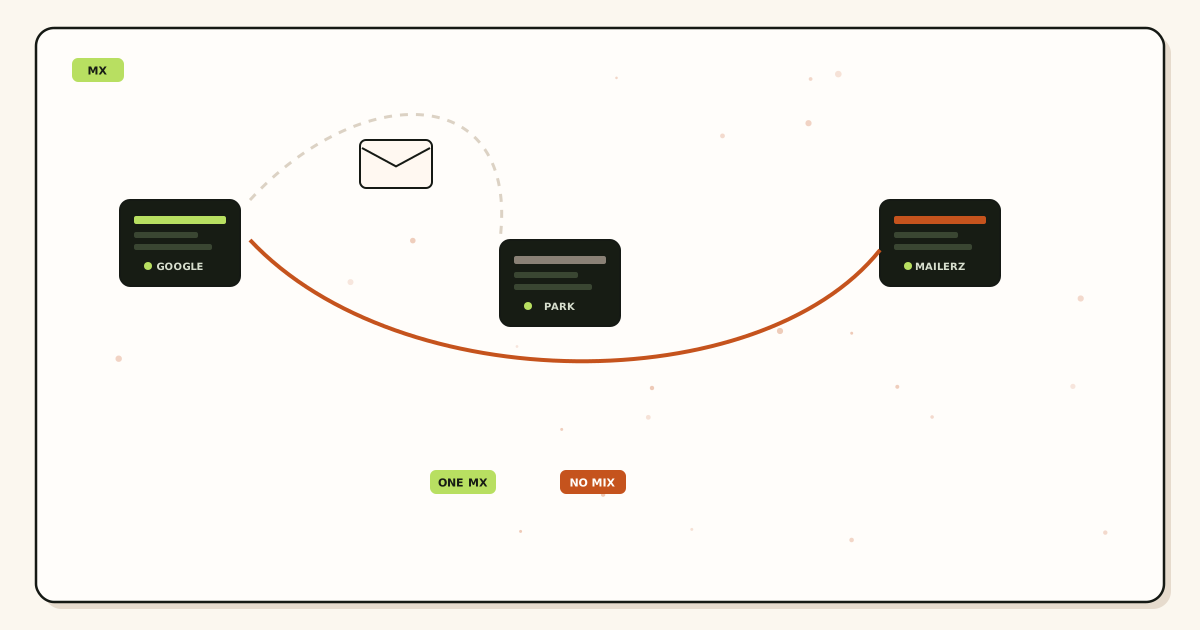
Propagation is cache. If resolvers disagree, you are in a wait, not a missing product. MX propagation. Toggling MX during that wait creates custom domain email not receiving that looks random.
Null MX refuses all mail. Parking leftovers do that. Delete them when you publish MailerZ.
Recovery 14/90 days is hops MailerZ took. Leftover Google accepts never appear. That empty search is the diagnosis.
IETF RFC 7208 — Sender Policy Framework (SPF), IETF RFC 6376 — DomainKeys Identified Mail (DKIM), and IETF RFC 7489 — Domain-based Message Authentication, Reporting, and Conformance (DMARC) matter after a message exists. They do not create inbound. A green checker with leftover MX is homework on the wrong class.
The MX-to-inbox checklist
Public NS matches the panel
Verification TXT matches
Domain is in MailerZ. You cannot route a name you did not verify.
Exclusive MX, leftovers deleted
Two resolvers. Same hour delete. Demoting preference is not deletion.
Printed addresses are named aliases
Free: three. Count before the footer goes live.
Unique third-mailbox probe
Each alias. Confirm Header From and hop.
Folder search including spam
Correct Gmail user. Filters. 250 is not Primary.
Write UTC for the probe. Support cannot use “this morning.”
Step-by-step: restore receiving
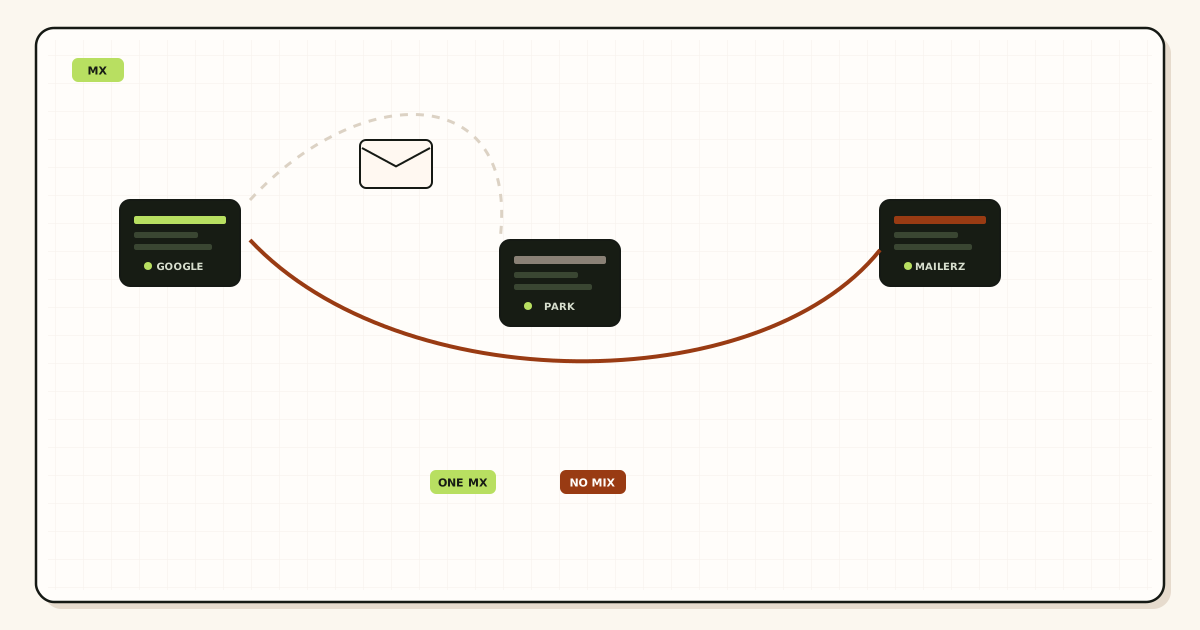
Lookup MX and leftovers
Fix leftovers before you invent aliases.
Create or confirm the alias
Destination verified. Hold checked if unknown.
Probe
Third mailbox. Unique subject. Repeat per name.
Classify hop
Empty, hold/550, dest 4xx/5xx, or 250. One owner.
Only then look at filters
After 250. Not before.
Attach send-as later if needed
Paid plan. Dashboard pair. Named From. Not this inbound ticket.
If you must roll back, exclusive old screenshot, not dual MX. MX rollback.
Agencies do one domain at a time. Agency price is a ceiling, not a batch receive engine.
Failure modes
Leftover MX. Proof: second company in public MX. Fix: delete.
Wrong panel. Proof: NS mismatch. Fix: real host.
Missing alias. Proof: hold or 550. Fix: create.
Self-send. Proof: Gmail short-circuit. Fix: third mailbox.
Wrong Gmail user. Proof: hop 250, other account has it. Fix: destination map.
Spam. Proof: 250, Promotions. Fix: filters. No inbox SLA.
Dest 421. Proof: hop two 4xx. Fix: wait. SMTP 421.
Dest 550. Proof: hop two 5xx. Fix: store admin.
Toggle storm. Proof: MX edited five times. Fix: one set. Wait TTL.
Registrar upsell republish. Proof: new parking MX. Fix: delete. Lock editors.
CNAME at apex breaking MX. Proof: MX lookup fails. Fix: MX stays MX.
Null MX. Proof: refuse-all. Fix: delete.
MailerZ workflow and the product boundary
Verify, aliases, exclusive MX, probe. Not Workspace, not IMAP, not open relay, not SOC 2. Security. Docs. Features.
Header From intact. Envelope SRS only. Seats operate the dashboard. They are not extra inboxes.
Compare: Cloudflare Email Routing, ImprovMX, Workspace. Buy a suite when you need hosted stores, not to debug leftovers.
Store 14/90 days. Use it for hops you took. Not a legal archive.
Unauthorized send-as 550 is outbound. Do not open this inbound path for AUTH failed.
Cost of a path versus a suite panic
The checklist is free labor. Dual MX is expensive. Solo $40/year adds store and send-as when inbound already works. Starter $8/$80, Business $19/$190, Agency $39/$390. Annual paid except Solo includes two months free versus monthly. Confirm pricing.
Do not buy Agency to receive one alias. Do not buy Google Workspace — product overview because self-send failed. Buy the suite for Calendar, Drive, and lockable IMAP.
Time: thirty minutes of lookups beats a week of “I sent it.” Write the path in the runbook.
Tools on tools are enough. You do not need a paid monitor for one domain.
If invoices already printed a name you did not create, create it now and check hold. That is cheaper than telling customers email is down.
Staff who can edit DNS should own this checklist. Sales should not republish MX from a phone.
A printed footer with five role addresses and a Free plan with ten aliases is a math error, not an outage. Upgrade before the cut or stop printing extras. Customers who mail the fourth name will look like custom domain email not receiving. Hold may have it. Gmail will not.
Shared destinations need the map written down. If hello@ goes to founder Gmail and support@ goes to a shared box, probes must use both. One successful hello@ does not prove support@. Path check is per alias.
Mobile Gmail apps hide spam. Ask the user to search all mail for the unique subject. “I checked my phone” is not a folder search. Hop 250 plus a phone shrug is still a folder ticket.
Calendar invites follow MIME. If hop 250 and the invite is missing, look at the destination calendar, leftover MX for some senders, or an appliance that flattened the part. MailerZ does not flatten MIME. Do not republish MX to fix a calendar client.
International senders with sticky resolvers can take one old TTL after a cut. Tell them the window. Do not dual-publish for one country. Change MX without losing email.
Website contact forms that email hello@ are inbound only if the form’s host looks up MX. Some hosts send via their own API to a Gmail address you typed in the plugin. That never tests custom domain receiving. Ask how the form sends. If it uses paid MailerZ SMTP, that is outbound. Inbound MX can still be broken.
Plus tags on Gmail destinations are not domain aliases. hello+inv@gmail.com is a destination trick. hello@yourdomain is the MX path. Do not confuse them when someone says they are “not receiving.”
WHOIS privacy contacts sometimes still list an old host mailbox. That is a leftover destination in public data, not leftover MX. Update WHOIS. It does not fix receiving. It prevents people mailing a dead registrar box and blaming you.
After the path works, write the three aliases, the MX screenshot date, and the last probe subject in one note. The next hire should not start from Slack folklore. That note is cheaper than Agency.
If you will also send as the domain, prove inbound first. Then upgrade. Then copy host, port, and TLS as one pair. Then a third-mailbox outbound probe. Mixing those into the not-receiving ticket is how AUTH failed and leftover MX share a Friday.
Legal hold is not MailerZ recovery. If counsel needs mail, export from Gmail. Say the 14-day or 90-day hop window out loud before someone treats forwarding as discovery.
Field notes from real not-receiving tickets
The most common Friday ticket is leftover Google MX plus a self-send that “worked last month.” Last month Gmail never left Google. This month a customer used Outlook. Outlook honored public MX and hit MailerZ, or the opposite. Two stories, one leftover. Delete the leftover. Then probe from Outlook and from a phone carrier. Write both subjects down.
The second most common ticket is billing@ printed on Stripe and never created. hello@ works. Finance says email is down. Create billing@. Check hold for the nonce they already sent. Do not restore Workspace. Do not buy a seat. Free hold exists for this hour if the plan is Free and the window is open.
The third is the wrong Gmail. Hop 250 to founder@gmail.com while the intern searches intern@gmail.com. The destination field in the dashboard is the source of truth. Screenshots of the wrong inbox are not a MailerZ outage.
The fourth is TTL impatience. Exclusive MX published ten minutes ago, old TTL was 3600, resolvers disagree. The founder toggles. Now two caches and a leftover. Wait. Propagation is the clock. This page is the path after the clock ends.
The fifth is a registrar phone agent who “fixed email” by republishing free mailbox MX. Lock who can edit. Put the leftover tool in the weekly check for a month after any phone call.
Agencies: copy this path into the client runbook with the client’s printed addresses, not yours. Their jobs@ is the one that fails. Your hello@ probe does not cover it.
If you already proved the path and the customer still swears they sent it, ask for the raw bounce or a sent-item screenshot with headers. Some never sent. Some sent to .com versus .net. Some sent to a Google Group that is not your MX. Evidence beats courtesy leftovers.
Night rollback without a screenshot publishes ghosts. If you must leave MailerZ, exclusive old set only. Then schedule the recut. Save the old MX set.
Do not promise inboxing percentages on the path call. A 250 hop can still land in spam. That is a filter conversation after the path is proven. MailerZ does not publish an inbox rate. Say that once so the next call does not restart at MX.
Keep SOC 2 out of the not-receiving ticket. You are not SOC 2. Controls are on /security. Leftover MX is still leftover MX if you had a badge.
Field notes for MX-to-inbox order
Do not start at DKIM
Custom domain email not receiving is an order problem. Public NS, exclusive MailerZ MX, leftovers gone, named alias, unique-subject probe from another mailbox, hop history, then destination folder including spam. DKIM is later. Starting at DKIM is how you spend a day on signatures while leftover Google still accepts.
If history is empty, hop one never ran. Public MX still lists aspmx.l.google.com or a registrar host. Delete those hosts if MailerZ owns inbound. Keep a Workspace login if you still need Calendar. A tenant is not leftover MX.
TTL split is not leftover
After a correct exclusive cut, 8.8.8.8 and 1.1.1.1 can disagree for the old TTL. That is cache. Do not add dual MX to warm caches. If both public views and authoritative NS still show leftover Google, you edited the wrong panel or you did not delete. See how to tell propagation from bad configuration.
Self-send from Gmail to the same Gmail can look green while customers vanish. Use a third mailbox. Unique subject. Search dest including spam. Header From intact. MailerZ does not rewrite Header From.
Alias and HOLD
A printed hello@ that does not exist is held on Free or missing. Catch-all forward is not the fix for a forgotten name. Create the named alias. HOLD unknowns on everyday production. Paid plans may forward unknowns — hold anyway unless you have a dated cutover reason.
Free is ten aliases. If you printed five names, you need a paid card. Confirm pricing. Empty history after exclusive MX is an alias or dest-folder problem, not another MX row.
Worked story
A founder refreshed DKIM for two days. Public MX was still Google. They deleted leftovers, created hello@, probed from Outlook, and the copy landed in Promotions. The week of DKIM was not the outage. Leftover MX plus a missing alias plus a folder search were.
A second shop had exclusive MailerZ MX and empty history because they edited Namecheap while NS were Cloudflare. Theater zone. They published MX on Cloudflare and the next probe had a history row.
Close criteria
NS confirmed. Exclusive MailerZ MX. Leftovers deleted. Named aliases for every printed string. Unique-subject foreign probe. History row or a classified empty. Dest including spam. Header From intact. Then, and only then, auth records. MailerZ Free is one domain, ten aliases, one seat, a 14-day store, send-as disabled, SMTP and API disabled, and unrouted mail held or rejected only. Solo is $40 per year only. Starter is $8 monthly or $80 yearly. Business is $19 or $190. Agency is $39 or $390. Unlimited is $99/month or $990/year. Confirm numbers on the pricing page. Limits are not an inbox-placement promise. MailerZ is inbound MX plus authenticated SMTP from Secuno LLC. Envelope SRS only. Header From, Subject, Date, Message-ID, body, and MIME are never rewritten. Not Google Workspace, not IMAP or POP, not an open relay. Unauthorized send is SMTP 550 / 550 5.7.1. Leftover MX is a hard stop. Self-send from Gmail to the same Gmail account can hide routing errors. Not SOC 2, not ISO 27001, not HIPAA.
Related: leftover MX, MX lookup, troubleshooting, how long MX changes take, compare resolvers. Start free on one domain. Do not start at DKIM.
Operator packet for an inbound miss
Walk the order on a shared screen
NS, public MX, leftovers, named alias, unique-subject foreign probe, history, dest including spam, Header From. Then DKIM. If you start at SPF you will miss leftover aspmx hosts. If you self-send you will miss the public path. If you skip NS you will edit a theater zone.
HOLD and printed names
Create every printed local-part. HOLD unknowns. Catch-all forward is not a forgotten-hello@ fix. Free is ten aliases. Five printed names need a paid card. Confirm pricing. Empty history after exclusive MX is alias or folder, not another MX row.
TTL honesty
Split 8.8.8.8 versus 1.1.1.1 after a correct cut is cache. Same leftover on both plus auth is unfinished delete or wrong panel. Dual MX is leftover at any TTL. Save the old exclusive set for rollback. Rollback is republish, not both live.
Done
Exclusive listing. Named aliases. Foreign probe. History classified. Dest searched. Then auth. Start free on one domain. Leftover MX troubleshooting if hop one never ran.
Definition of done
MX-to-inbox troubleshooting is finished when NS match the panel, public MX is exclusive MailerZ, leftovers are gone, every printed alias exists, a foreign unique-subject probe has a history row, dest including spam was searched, and Header From is intact. DKIM is later. Self-send is invalid. Theater zones waste evenings. Free holds unknowns and has ten aliases. Confirm pricing. Start free on one domain.
If hop one never ran, leftover MX troubleshooting is the next page. If hop one ran and dest 250’d, the folder is the next search. If hop one ran and dest 4xx’d, wait. Do not add Google MX as a courtesy. Dual MX is leftover at any TTL.
Proof you can keep
A miss you can walk in order
Open NS. Open MX. Delete leftovers. Create the printed alias. Probe from another provider. Open history. Open dest including spam. Then talk DKIM. Teams that reverse this order spend days on signatures while aspmx still answers. Theater zones — registrar panel while Cloudflare serves NS — spend evenings on diary entries. Filename screenshots with the zone. Two resolvers classify TTL versus leftover.
Free holds unknowns and allows ten aliases. Five printed names need a paid card. Catch-all forward is not a forgotten homepage address. Dual MX is leftover at sixty seconds. Start free on one domain. Related leftover MX and resolver comparison pages. Header From intact. Envelope SRS only.
FAQ
What is the safest custom domain email not receiving checklist?
Confirm public NS, exclusive MailerZ MX, leftover hosts gone, and the printed address as a named alias. Probe from a mailbox you do not own. Read hop history. Empty hop is leftover or wrong panel. Hold is unknown. Destination 5xx is Gmail or Outlook. Spam after 250 is a folder, not missing MX.
Does this require a new mailbox?
No. Not receiving is a path from MX to the store you already read. MailerZ is not IMAP. Buying a suite seat does not delete leftover Google MX.
Will it work with Gmail or Outlook?
Yes as destinations after exclusive MX. Search spam and the correct account. Self-send from Gmail to Gmail can hide leftover Google MX. Use a third mailbox.
What DNS records are involved?
Authoritative NS, verification TXT, exclusive MX, leftover host deletion. SPF and DKIM do not deliver inbound. A green checker is not an inbox.
What should I test before production?
Two-resolver MX, leftover tool clean, unique inbound to each named alias, hop row, then folder search. Do not announce the address until that path works.
Key takeaways
- Not receiving is a path: NS, MX, alias, hop, folder.
- Leftover MX is the usual empty hop.
- Wrong panel means the clock never started.
- Create printed aliases before you cut MX.
- Free holds unknown. Check hold.
- Self-send is not a test.
- 250 plus empty inbox is a folder or user map.
- Destination 5xx is the store, not MX.
- Do not start at DKIM.
- Send-as is a later ticket. Free cannot send.
- MailerZ is not IMAP, not a suite, not SOC 2.
- Do not dual-publish to “be safe.”
Conclusion and next action
Custom domain email not receiving ends when the path is exclusive, the alias exists, the hop is visible, and the folder is searched. Everything else is a different ticket.
Next action: two-resolver MX, leftover delete, named alias, unique third-mailbox probe, read history, search spam. If empty, leftovers or NS. If hold, create the name. If dest 5xx, Gmail admin. If 250, the folder. Do not add Google MX.
Keep the probe subject in the runbook. The next “not receiving” should take fifteen minutes.
Ready to prove inbound on one domain
Start free, create the aliases, then move MX.
Free receives one domain. Sign in if it is already there.
Review quarterly, or sooner if dashboard MX hostnames change. Author: MailerZ editorial, Secuno LLC.