Authoritative nameserver vs registrar DNS is the first question on every leftover MX ticket. You edit records on the nameservers the domain’s NS set points to. If NS is at Cloudflare, the registrar’s zone editor is a copy nobody queries. If NS is at the registrar, edit there. MailerZ MX only works after the authoritative zone publishes it.
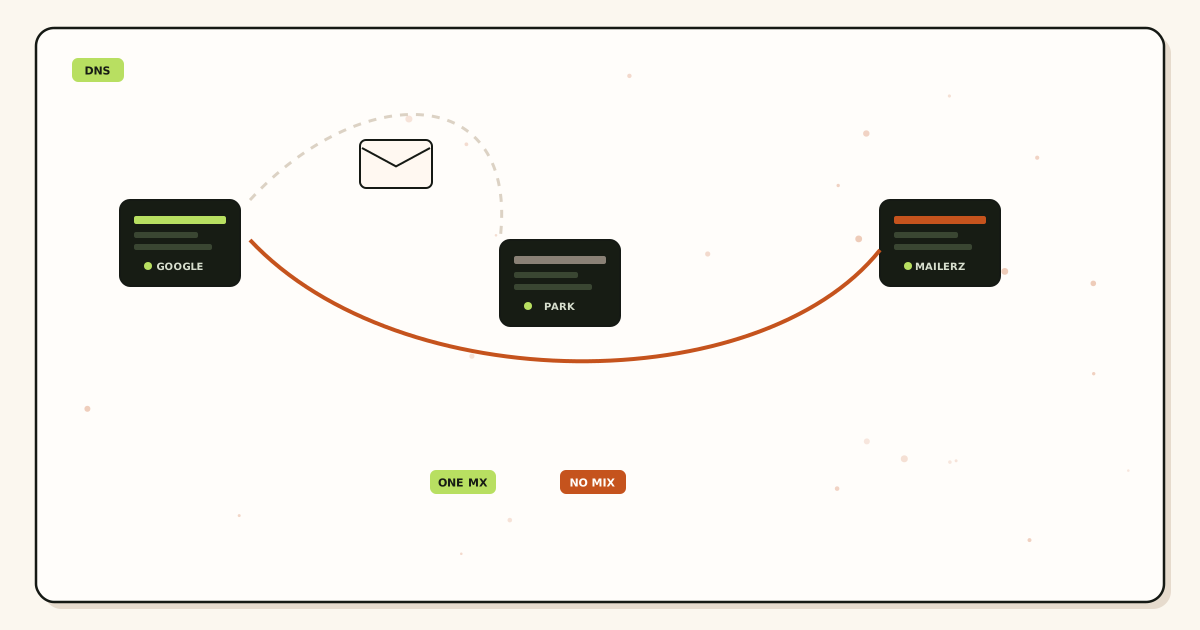
Quick answer for authoritative nameserver vs registrar dns
A guide for authoritative nameserver vs registrar DNS starts with an NS lookup. Those hosts are authoritative. Setup means opening that vendor’s DNS UI. Best practice is to stop editing the registrar if NS left the registrar last year.
Registrars remain important. They hold the delegation. Changing nameservers is a registrar act. Changing MX is a nameserver act. Mixing those sentences is how people “add MX” ten times.
Email still follows RFC 5321 after DNS is right. Wrong panel means the old MX set stays live. That is leftover MX with extra clicks.
MailerZ does not host your DNS. We tell you what to publish. You publish it on the authoritative zone. We can help you see what the public sees.
MailerZ Free is one domain, ten aliases, one seat, a 14-day store, send-as disabled, SMTP and API disabled, and unrouted mail held or rejected only. Solo is $40 per year only. Starter is $8 monthly or $80 yearly. Business is $19 or $190. Agency is $39 or $390. Unlimited is $99/month or $990/year. Confirm numbers on MailerZ pricing. Limits are not an inbox-placement promise.
Authoritative nameserver vs registrar DNS guide: the real decision
The registrar email-forwarding product writes MX in the registrar zone. You later moved NS to Cloudflare and never deleted the old product. Two stories, one domain.
Agencies log into whichever panel the password manager opens first. Junior staff edit the quiet copy. Production never changes.
Some registrars show a zone even when NS is external, as a courtesy preview. Courtesy is the trap.
Criteria: what NS returns, which vendor UI matches those hosts, whether MX there matches MailerZ, and whether a second vendor still has leftover hosts.
| NS points at | Edit MX here | Do not bother |
|---|---|---|
| Registrar nameservers | Registrar DNS | A random Cloudflare zone you never delegated |
| Cloudflare | Cloudflare DNS | Registrar zone editor |
| Microsoft / Google DNS | That DNS host | The domain shop’s email add-on |
| Unknown hosts | Find who owns those names | Guessing |
Prove the hop on one domain before you print a new address on a invoice or a form.
Start free — one domainTechnical mail flow for authoritative nameserver vs registrar dns
A resolver starts at the root, finds TLD, finds your NS, and queries those hosts for MX. It does not query a registrar API because the website was pretty. If those NS hosts still have old Google MX, that is the live set.
Changing MX at the registrar while NS is elsewhere updates a zone that is not in the delegation. Your screenshot will look responsible. The internet will ignore it.
TTL and resolver cache still apply after you edit the right panel. Check more than one public view.
SMTP then uses the MX it got. Priority order applies. Leftover hosts still win if they remain in the live zone.
Transport still follows IETF RFC 1035 — Domain names. Envelope commands are not the header block people see. MailerZ may rewrite only the envelope return path with Sender Rewriting Scheme. MailerZ is a product of Secuno LLC. It is inbound MX plus authenticated SMTP. Envelope SRS only. Header From, Subject, Date, Message-ID, body, and MIME are never rewritten. It is not Google Workspace, not IMAP, and not an open relay. Unhosted or unauthorized send is SMTP 550 / 550 5.7.1. Leftover MX is a hard stop. Self-send from Gmail to the same Gmail account can hide routing errors. Probe from another mailbox. MailerZ is not SOC 2, not ISO 27001, and not HIPAA.
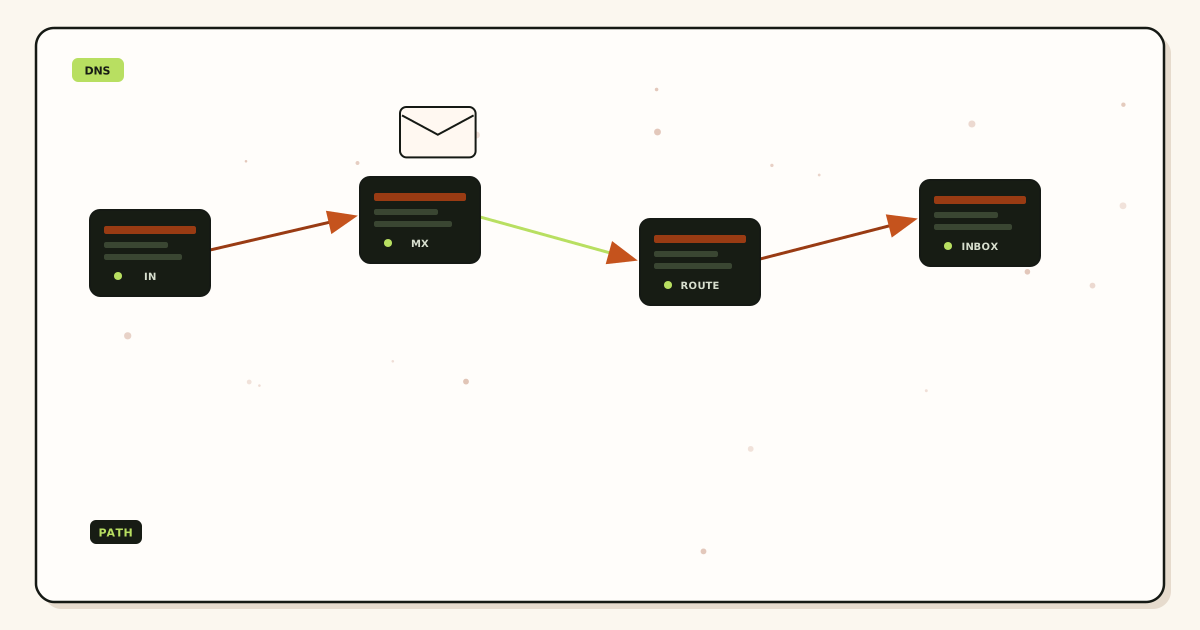
Authoritative nameserver vs registrar DNS setup
Write NS on paper before anyone opens MailerZ. The rest of onboarding is faster when the panel is correct.
- Lookup NS. Name the vendor from the hostnames, not from the invoice logo.
- Open that vendor’s DNS, not the other bookmark.
- Add MailerZ verification TXT there.
- Recreate aliases in MailerZ. Publish MX in the same live zone.
- Delete leftover MX in that same zone.
- If you must move NS, copy the zone, move NS first, wait until two public resolvers agree, then edit MX at the new home.
- Public lookup for NS and MX. External probe from a mailbox that is not the destination.
- Remove registrar “email forwarding” products so they stop rewriting the zone you just cleaned — but only if that product is actually authoritative.
Incoming mail still lands in Gmail or Outlook after the hop. Paid send-as is a separate outbound job. Transport follows IETF RFC 5321 — Simple Mail Transfer Protocol after DNS is honest. Do not treat a registrar preview as a resolver answer.
How to name the vendor from NS hostnames
The hostname is the vendor. People argue about “our registrar” and “our Cloudflare login” because both bookmarks exist. An NS lookup ends the argument. Read the names. Match them to a product. Then open that product.
Common patterns: ns1.domaincontrol.com and siblings are GoDaddy registrar DNS. dns1.registrar-servers.com is Namecheap. *.ns.cloudflare.com is Cloudflare. ns-###.awsdns-##.org and the three sibling suffixes are Amazon Route 53. Azure uses *.azure-dns.com and related hosts. Google Cloud DNS uses ns-cloud-*.googledomains.com. Hover, Porkbun, and Squarespace each have their own strings. If you do not recognize the string, search the hostname. Do not guess from the domain shop logo on the invoice.
Two Cloudflare accounts are a different miss. Both accounts use Cloudflare-shaped NS hostnames. The empty account can still be the delegated one. Match the exact NS pair printed in the zone settings to the public NS set. The pretty account with all the records is theater if it is not delegated.
Vanity or “white label” nameservers hide the vendor behind your own brand. Agencies do this so the client sees ns1.agency.example. The records still live at a real DNS host. Find who answers on 53. Glue at the registrar must match those hosts. If you do not know whether you have glue, you probably do not — but you still look at NS before you edit MX.
A registrar “email forwarding” toggle is not a nameserver. It writes MX into whichever zone that product can reach. If NS already left the registrar, the toggle either no-ops or writes a dead copy. If NS is still at the registrar, the toggle can reintroduce leftover MX the night after you cleaned the zone. Turn the product off after you know which zone is live.
Failure modes and proof
TXT verified via a lucky guess, MX still at the registrar copy. Verification is not delivery.
Two Cloudflare accounts, zone in the empty one. NS points at the empty zone.
Moved NS and edited the old panel “to be safe.” You reintroduced leftovers at the new home later.
Self-send works. Public MX still shows the suite. External probe fails.
Support asked to “just add the record for us.” We cannot write your DNS. We can read what the public reads.
Proof is two public views, not a screenshot. Query NS and MX at a resolver you do not own and at a second one. If 8.8.8.8 and 1.1.1.1 disagree, you are inside TTL or you edited the wrong panel. Wait, or look at the authoritative hosts directly. A registrar “propagation” banner is not a resolver.
DNSSEC after a nameserver move is a separate ticket. If the registrar still publishes a DS record that points at keys the new host does not serve, some resolvers treat the zone as bogus. That looks like “the domain disappeared.” Do not add a third DNS vendor the same afternoon. Read the signed state. Remove or replace DS at the registrar only when you understand the new keys.
Use a public MX view before you cut. Leftover hosts split mail even when the new record looks correct in one resolver.
Open leftover MX troubleshootingMailerZ workflow and product boundary
MailerZ positioning is public DNS diagnostics and leftover-MX detection around a forwarding plus SMTP layer. We are not your nameserver vendor. We are not SOC 2. We do not promise that every registrar UI label matches.
Docs and troubleshooting exist so you can match NS to a panel. The migration planner exists so a live cut has a saved old set.
Inbound still needs one MX set on the authoritative zone. Outbound still needs paid send-as if From must travel.
Related pages: troubleshooting, docs, migration planner. Those routes exist on this site. Do not invent a second MX religion beside them.
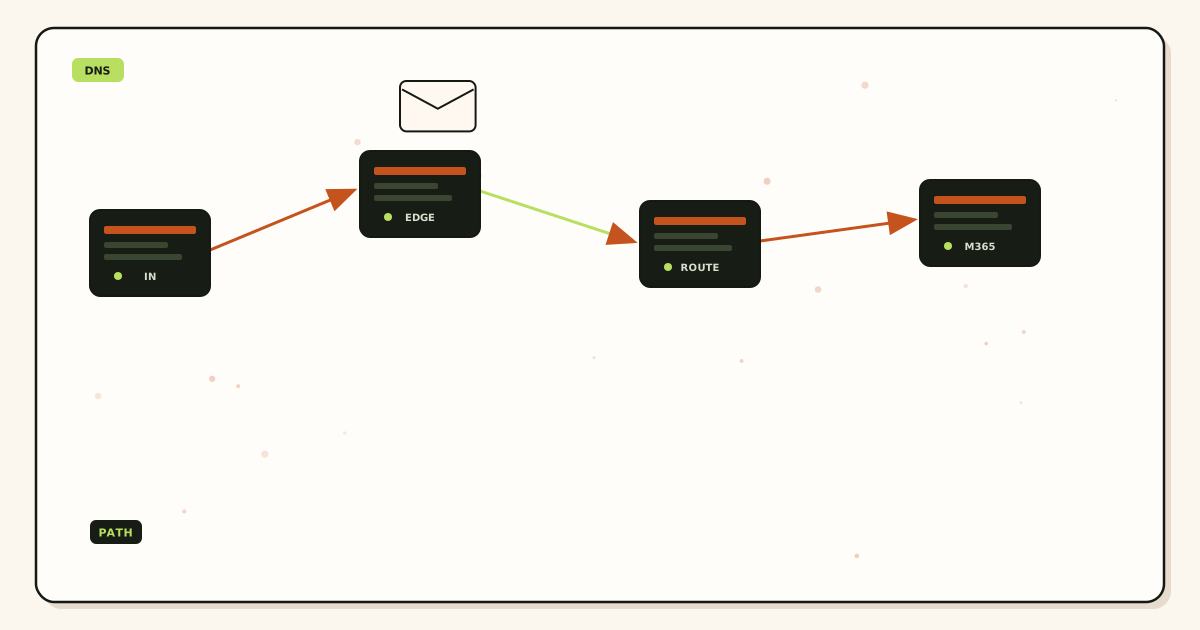
Authoritative nameserver vs registrar DNS best practice
The cost of the wrong panel is hours, not a plan upgrade. Agency time is the invoice.
Cloudflare DNS can be free. Registrar DNS can be fine. Switching NS to “fix email” without a plan creates a new leftover story.
Do not buy a suite to avoid learning NS. Learn NS. It is cheaper than seats.
MailerZ Free is one domain, ten aliases, one seat, a 14-day store, send-as disabled, SMTP and API disabled, and unrouted mail held or rejected only. Solo is $40 per year only. Starter is $8 monthly or $80 yearly. Business is $19 or $190. Agency is $39 or $390. Unlimited is $99/month or $990/year. Confirm numbers on MailerZ pricing. Limits are not an inbox-placement promise. Time is part of cost. An afternoon on leftover MX usually costs more than Solo.
Glue records and vanity nameservers are advanced. If you do not know whether you have them, you probably do not. Still, look at NS.
DNSSEC mismatches after a nameserver move can make the live zone look like it disappeared. That is a different ticket. Do not add a third DNS vendor to “fix” it blindly.
Document the nameserver vendor in the same SOW as catch-all policy.
Field notes you can reuse
Worked example: Cloudflare NS, registrar zone editor
The operator added MailerZ MX ten times in the registrar panel. NS had pointed at Cloudflare for two years. The live zone still had old Google MX. Authoritative nameserver vs registrar dns is settled by an NS lookup. The registrar UI was theater. Edit Cloudflare. Delete leftovers there. Ignore the other bookmark.
Verification TXT sometimes appears in the wrong panel by luck if someone also pasted it in the live zone. Delivery then still fails. Verification is not inbound. An authoritative nameserver vs registrar dns setup that stops at the green verify badge is unfinished.
Moving NS to “fix email” without a plan creates a new leftover at the new home and a dead copy at the old home. Move NS, wait, then edit MX at the new vendor. Do not keep editing both “to be safe.”
Two Cloudflare accounts
The zone lives in the empty account. NS points at that empty zone. The pretty account has all the records and none of the traffic. Lookup NS hostnames and match them to the account that actually serves. This is a common agency footgun.
DNSSEC after a nameserver move can make the domain look gone. That is not a reason to add a third DNS vendor the same afternoon. Pause. Read the DNSSEC state. Then continue the email cut.
MailerZ does not write your DNS. We show what to publish. Public tools show what the world sees. If support cannot click your registrar, that is by design. Send the lookup, not the password.
Delegation versus records
Changing nameservers is a registrar act. Changing MX is a nameserver act. Best practice is to write both sentences in the runbook. Junior staff click the first logo they see. That is how leftover MX returns after a “quick fix.”
Once the live zone is honest, the rest of MailerZ onboarding is ordinary: aliases, probe, optional paid send-as. The nameserver question is the one that makes every later article look like magic when skipped.
Worked example: Route 53 hosted zone, registrar still open
The domain lives in Route 53. NS hostnames are the four awsdns names. Someone still has the Namecheap or GoDaddy zone editor bookmarked from before the move. They paste MailerZ MX there because the panel is familiar. Public MX never changes. Invoices miss. The ticket says “MailerZ is down.” MailerZ never saw the hop. The fix is not a plan upgrade. Open Route 53. Publish MX there. Delete leftovers there. Close the registrar bookmark or label it “delegation only.”
The same story happens with Squarespace, Hover, and “included email forwarding” add-ons. Those products are useful only while they are also the nameserver. After NS leaves, they become a second story. Treat them as leftover MX generators, not as a backup editor.
Worked example: client owns Cloudflare, agency owns the registrar
Write the split on the SOW. The client changes DNS records. The agency changes nameservers only when the client asks, and only after a zone copy exists at the destination. If the agency can still flip NS without a ticket, a Friday “cleanup” can orphan the Cloudflare zone. If the client can still open the registrar email add-on, a Monday “quick fix” can write MX into a dead copy. Dual control is fine. Dual leftovers are not.
Offboard is the reverse. Remove MailerZ MX you own from the live zone. Revoke SMTP if send-as was on. Stop forwarding leftovers into the agency inbox. Hand the client the NS vendor name in writing. Do not leave them with two panels and no map.
Nameserver move runbook
Changing nameservers is a registrar act. Changing MX is a nameserver act. Mix those jobs and you get two zones that both look “correct” in a screenshot. The internet only queries the delegated one.
Copy the live zone first. Export MX, TXT, CNAME, A, AAAA, and any DKIM selectors you still need. Recreate them at the new DNS host before you flip NS. If you flip first and recreate later, inbound mail follows whatever stub the new host published — often nothing, or a default parking MX.
Lower TTL on NS and MX a day before the flip if you can. Then change NS at the registrar only. Do not keep editing MX at the old host “to be safe.” Those edits die when the last resolver drops the old delegation. Wait until two public resolvers return the new NS set. Then treat the new host as the only panel. Delete leftover MX there, not in the registrar copy you just abandoned.
Agencies split control: the client owns Cloudflare, you own the registrar login. Write who edits what. Dual control without a map is dual leftovers. If the client can still open the registrar zone editor after NS left, hide that bookmark or they will paste MailerZ MX into a dead copy the next time a form “does not work.”
After the hop is honest, MailerZ onboarding is ordinary. Create the aliases you actually print. Publish one MX set. Delete leftovers. Probe from a third mailbox. Paid send-as waits until inbound is boring. Free is one domain, ten aliases, one seat, a 14-day store, send-as off, SMTP off, API off, and unknown mail held or rejected. Solo is $40 per year. Confirm live numbers on MailerZ pricing. Those limits are not an inbox-placement promise.
Prove the live zone before you trust a screenshot
A screenshot of a zone editor is a claim. A resolver answer is evidence. Ask the same two questions every time: which hosts are NS, and which MX those hosts return. If you cannot answer both without opening a vendor tab, you are not ready to cut mail.
Query a resolver you do not operate, then a second one. Google Public DNS and Cloudflare Resolver disagree more often than people expect during a nameserver move. That is cache, not “the internet is broken.” Look at the authoritative hosts themselves if the public views disagree. The hosts named in NS are the ones that matter. A registrar “DNS preview” that does not match those hosts is a museum.
Save the old MX set before you delete anything. Write the hostnames and priorities on the ticket. If the cut fails, you can put the old set back in the live zone. You cannot put it back if the only copy lived in a registrar panel you later wiped, or in a Slack screenshot that cropped the priority column.
Leftover MX is a split, not a mystery. If the live zone still lists Google, Microsoft, a registrar forwarder, and MailerZ, some senders will hit the leftover host. Priority is an order, not load balancing. A leftover with a better preference still wins. Delete the leftover in the same zone you just edited. Do not “add MailerZ again” in the other panel hoping the internet will prefer your screenshot.
TTL lies in both directions. A record you deleted can still answer for the old TTL. A record you just published can be invisible to a resolver that cached the previous set. That is why two views and a clock beat one green badge. MailerZ verification TXT going green means we saw the TXT. It does not mean inbound MX is exclusive. It does not mean the registrar copy stopped existing.
Self-send from Gmail to the same Gmail account can skip the public MX path. The destination already has the message. Operators then swear the nameserver question is settled while customers never arrive. Probe from a mailbox that is not the destination. Put a unique subject on the probe. If the hop is missing in MailerZ history, the message never reached this layer — often because leftover MX or the wrong panel ate it.
How to pick the panel in the first five minutes
Lookup NS. Say the vendor name. Open that vendor. If the password manager opens the registrar first, close it unless NS still lives there. Courtesy zone editors at registrars after a nameserver move are how leftover MX stays immortal. Edit the hosts that answer.
Verification TXT in the wrong panel can still go green if someone also pasted it in the live zone. Delivery then fails. Verification is not inbound. Publish MX in the same live zone. Delete leftovers there. Check two public views.
Two Cloudflare accounts are a classic miss. The empty zone is delegated. The pretty zone has the records. Match NS hostnames to the account that serves. Do not move NS the same afternoon you discover DNSSEC errors unless you understand the signed state.
Changing nameservers is a registrar act. Changing MX is a nameserver act. Write both sentences in the runbook. MailerZ does not host DNS. We show what to publish. Support will read public lookups. Support will not take your registrar password.
Glue records and vanity nameservers are advanced. If you do not know whether you have them, you probably do not. Still look at NS. Document the nameserver vendor in the same place you document catch-all policy. When the client owns Cloudflare and you own the registrar login, write who edits what. Dual control without a map is dual leftovers.
Once the live zone is honest, MailerZ onboarding is ordinary: aliases, leftover cut, external probe, optional paid send-as. The nameserver question is the one that makes every later article look like magic when skipped. Look up NS first. Then MX. Then leftover hosts. Then probe. That is the whole edit-the-right-panel product.
If two people can edit two panels, pick one live zone today. Put the other bookmark in a folder named “do not edit unless NS says so.” Review the NS set when staff leave, when a plugin changes, and when a registrar renews with a “free email” upsell. Those are the days leftover MX comes back.
FAQ
- What is the safest way to handle authoritative nameserver vs registrar dns?
- Lookup NS, edit MX and TXT only on those hosts, delete leftover MX there, and confirm a public view. Do not edit a registrar zone that is no longer delegated.
- Does this require a new mailbox?
- No. Nameservers are DNS. Mailboxes stay at Gmail or Outlook when you use MailerZ.
- Will it work with Gmail or Outlook?
- Those can still be destinations. They become leftover MX if their hosts remain in the live zone.
- What DNS records are involved?
- NS (delegation), MX (inbound), verification TXT, and SPF/DKIM/DMARC if you send. Edit them on the authoritative hosts.
- What should I test before production?
- NS lookup, MX lookup from more than one resolver, then an external inbound probe. Ignore a registrar preview that does not match NS.
- The registrar still shows my MX. Is that the live zone?
- Only if NS still points at the registrar. If NS is Cloudflare, Route 53, or another host, the registrar editor is a leftover copy. Public MX from two resolvers is the proof.
- Should I change nameservers just to fix leftover MX?
- No. Delete leftover MX in the zone that already answers. A nameserver move to “fix email” creates a second copy and a DNSSEC ticket. Move NS only when you intend to change who hosts DNS.
Key takeaways
- NS names the authoritative hosts.
- Edit MX only there.
- Registrar UI is unused if NS left.
- Verification TXT belongs in the live zone.
- Leftover MX in the live zone still wins.
- Moving NS is a registrar act.
- Public lookup beats screenshots of the wrong panel.
- MailerZ does not host DNS.
Conclusion and next action
Authoritative nameserver vs registrar DNS is settled by an NS lookup, not by which logo is on the invoice. Edit the live zone. Publish one MX set. Delete leftovers. Probe.
Next action: look up NS, open that panel, add MailerZ records there, ignore the other bookmark. Start free on a domain you can look up honestly.
If two people can edit two panels, pick one live zone today.
Edit the live zone
Start free, then publish MX on the nameservers that actually answer.
Look up NS first. Then MX. Then leftover hosts. Then probe.
Review quarterly, or sooner if provider behavior, pricing, or MailerZ scope changes. Author: MailerZ editorial, Secuno LLC.