Open relay email security is a submission-control problem, not a branding problem. An open relay accepts mail from someone it did not authenticate and tries to deliver it to someone it does not host. Verified sending flips that: AUTH first, then a From the operator mapped. MailerZ is not an open relay. Unauthorized or unhosted send is 550 / 550 5.7.1. This article explains the danger and the defensive controls. It is not a scan guide and not an exploit write-up.
Quick answer for open relay email security
If you need to send as your domain, use a submission service that requires authentication and checks the visible From against identities you created. Do not stand up an inbound port 25 listener on a VPS and let the world use it as a hop. IETF RFC 5321 — Simple Mail Transfer Protocol describes SMTP transport. It does not require you to relay for strangers.
MailerZ is a delivery layer operated by Secuno LLC. Point MX at MailerZ for inbound. Paid plans add authenticated SMTP. Free cannot finish send-as: SMTP and API stay off. Solo is $40 per year only. Starter is $8 monthly or $80 yearly. Business is $19 or $190. Agency is $39 or $390. Unlimited is $99/month or $990/year. Confirm numbers on MailerZ pricing. Caps are not an inbox-placement promise.
Envelope SRS only. Header From, Subject, Date, Message-ID, body, and MIME are never rewritten. MailerZ is not Google Workspace, not IMAP, and not an open relay. Leftover MX is a hard stop. Self-send from Gmail to the same Gmail account can hide routing errors. Product surfaces live on MailerZ features and send and reply.
If you already run Postfix or another MTA on a cloud VM, treat inbound 25 as a receive path for domains you host, or close it. Submission for your apps belongs on an authenticated port with credentials you rotate. Copy the host, port, and TLS pair from the MailerZ dashboard on a paid plan. Do not invent a port from a forum. Gmail’s client half is in Google Gmail Help — Send mail from a different address. Microsoft’s device-send notes are in Microsoft Learn — Send email from a device or app using Microsoft 365.
This page will not tell you how to find other people’s open relays, how to test a stranger’s port 25, or how to send through a host you do not operate. Those are attack steps. The useful job is to keep your own identity off blocklists and to keep your own VPS from becoming someone else’s hop.
The user problem and the decision criteria
The usual trigger is a contact form that “just needs SMTP.” A developer installs a mail daemon on the same box as WordPress, opens 25 to the internet, and skips AUTH because a tutorial from 2009 said relay was normal. Within hours the IP is on a blocklist. Invoices stop landing. The founder thinks MailerZ or Gmail broke. The hop that broke is the open listener.
The second trigger is a leaked credential on a real submission service. That is not an open relay. It is a stolen password. Rotate the secret, do not open 25 “as a backup.” The third trigger is leftover MX plus a random SMTP vendor: two logs, no leftover-MX stop, and a From that never used a mapped identity. That patchwork is how people search for open relay email security after a customer says the domain is spam.
| Question | If yes | If no |
|---|---|---|
| Must recipients see the domain on outbound mail? | You need authenticated SMTP and a mapped From. | Stay inbound-only. Free can prove receive. |
| Do you already trust Gmail or Outlook as the store? | A delivery layer can attach send-as. | You are shopping for hosting, not a relay fix. |
| Can you publish one MX set and delete leftover hosts? | Inbound proof is possible. | Do not debug SMTP on a split. |
| Is sending personal or operational, not a purchased list? | Paid MailerZ SMTP is in scope. | Use a campaign platform. Not this identity. |
| Are you tempted to open inbound 25 on a VPS for “flexibility”? | Stop. That is how relays get born. | Good. Use submission AUTH instead. |
Open relay email security fits when the domain is an identity, the inbox already exists, and outbound must be a credential you can revoke. It fails when you need a hosted mailbox suite, a bulk sender, or a promise that Gmail will file mail in Primary. It also fails when the real incident is leftover MX and you are about to “fix” it by exposing a daemon.
Technical mail flow
SMTP has two jobs people collapse into one word. Receiving is MX: a sending server looks up your domain, connects, and offers a recipient you host. Sending is submission: your client authenticates and asks a server to deliver a message from an identity you own. IETF RFC 5321 — Simple Mail Transfer Protocol is the transport standard. SPF, DKIM, and DMARC authorize sending; they do not file a Gmail tab. See IETF RFC 7208 — Sender Policy Framework (SPF), IETF RFC 6376 — DomainKeys Identified Mail (DKIM), and IETF RFC 7489 — Domain-based Message Authentication, Reporting, and Conformance (DMARC).
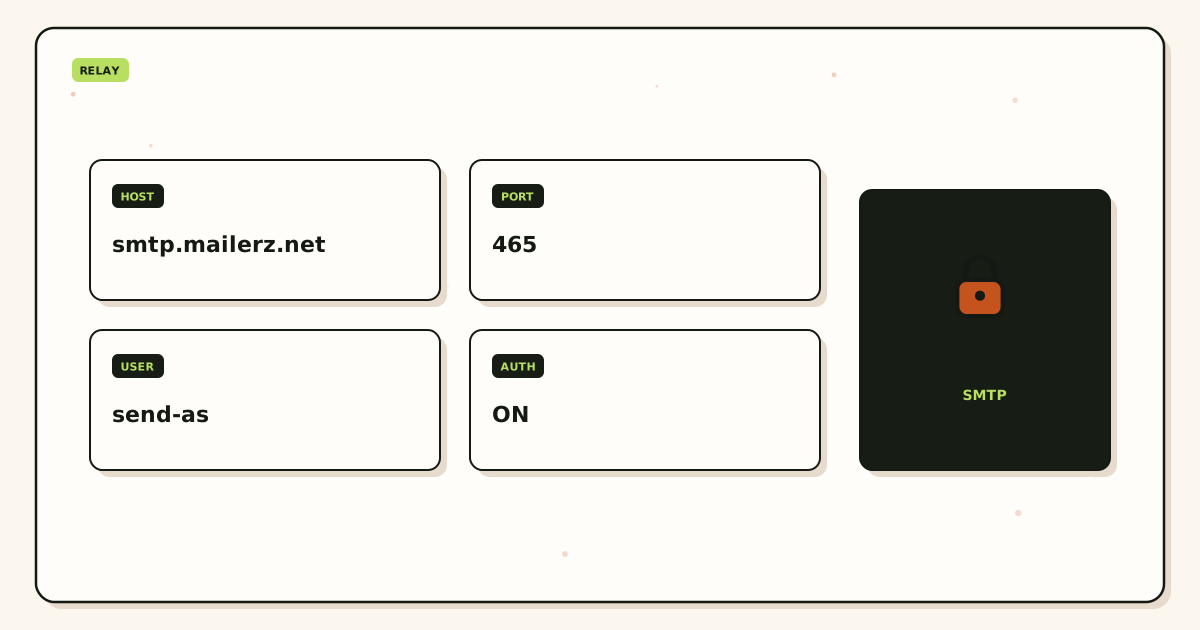
What an open relay does
A relay is open when a stranger can connect without credentials and ask the server to deliver mail to a domain the server does not host. The operator’s IP then becomes the visible hop. Receivers blame that IP. Blocklists list it. Your invoices and password resets share the reputation of whoever found the listener. You do not need the stranger’s technique to understand the outcome. You need to not offer the hop.
What verified sending does
Verified sending requires AUTH. The server then checks that the From is an identity the account is allowed to use. MailerZ paid SMTP authenticates a client, checks the From, applies plan limits, and submits. Unauthorized From or an unhosted domain gets 550 / 550 5.7.1. Free has no send-as. Creating an inbound alias does not approve outbound. Catch-all does not mint a From.
What MailerZ does after a clean cut
MailerZ MX answers inbound. The edge checks verification and the alias. The message is stored, then forwarded to Gmail or Outlook. Header From stays the original sender. The envelope may use SRS. Delivery history records the destination response. Unknown recipients are held or rejected on Free. Paid catch-all forward is optional and should be dated.
Recovery storage is 14 days on Free, 90 days on Solo through Agency, and 180 days on Unlimited. That is hop evidence, not a second archive and not legal hold. Legal hold stays in Gmail or Outlook.
Defensive setup and decision path
Do this in order. Enabling SMTP while leftover MX still answers is how verification mail vanishes. Opening inbound 25 on a VPS while you also use MailerZ is how you get two stories and one blocklist.
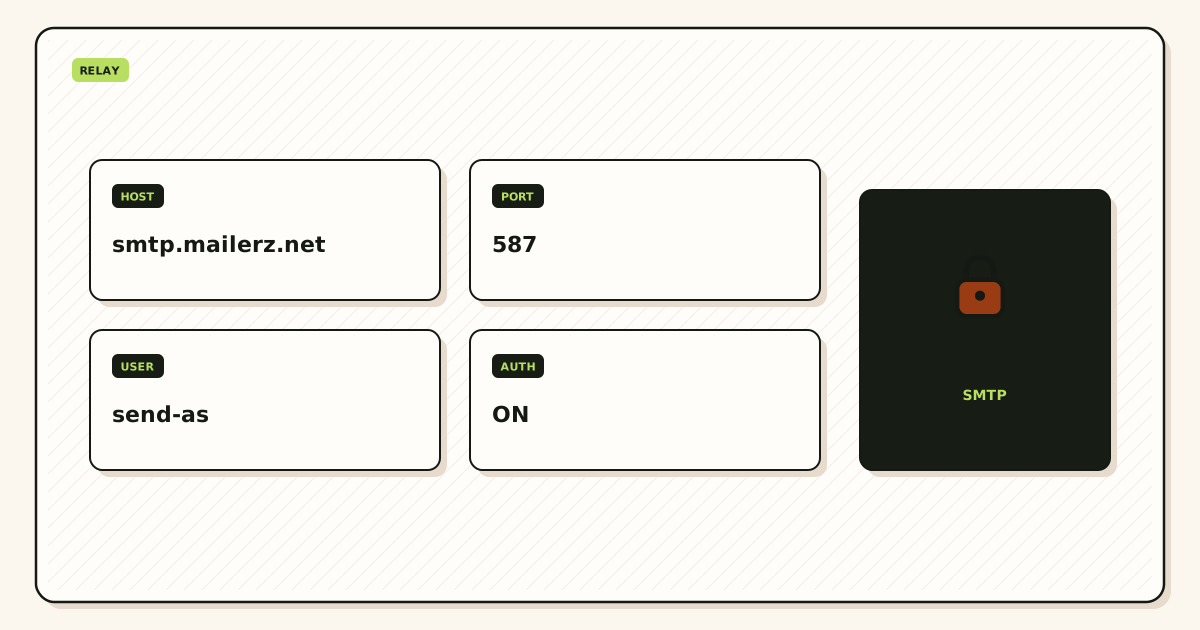
Write the outbound job
Contact form, cron alert, or human reply as the domain. If the job is a purchased list, stop. That is a campaign platform. MailerZ send-as is operational mail within published hourly and monthly caps.
Prove inbound first
Add and verify the domain. Create named aliases. Publish one MailerZ MX set. Delete leftover hosts. Send a uniquely titled message from an unrelated provider. Confirm Header From and delivery history. Do not use Gmail self-send as the only test.
Inventory listeners you already run
If a VPS, panel, or old host still accepts SMTP from the internet without AUTH, treat that as an incident. Close inbound 25 unless that box is the published MX for a domain you intend to receive. Do not keep a “backup relay” beside MailerZ.
Upgrade only for send-as
Solo at $40 per year is the usual next step. Create the SMTP credential in the dashboard. Copy host, port, and TLS or STARTTLS together. Do not paste your Google password. Attach Gmail Send mail as or a manual Outlook identity.
Map the From
Set the application From to an identity you created. Catch-all does not approve a new local-part for outbound. A contact form that sends as
noreply@needs that alias or a dedicated sending identity, not a wildcard.Send to a second external inbox
Check visible From, return hop, and outbound history. Far-side placement is still their filter. A 250 from MailerZ is not a Primary-tab promise.
Confirm unauthorized send fails
A From you did not map should return 550, not a green client. If it delivers, you are not on MailerZ submission, or you are not looking at this product.
Rotate if a secret already leaked
Do not mail SMTP passwords to support. Send a 550 line, a timestamp, and a Message-ID. Create a new credential. Delete the old one. See MailerZ docs for the field map, not for a second password channel.
| Control | Job | Failure if missing |
|---|---|---|
| AUTH on submission | Strangers cannot send | Your IP becomes their hop |
| Mapped From | Only identities you created | Apps invent local-parts |
| Unhosted / unauthorized 550 | Refuse the message | You look like a relay |
| One MX set | Inbound you can prove | Split delivery hides the truth |
| No inbound 25 on app VMs | Apps are clients, not servers | A tutorial becomes a blocklist |
Failure modes and proof
Most “we got listed for spam” reports after a custom-domain project are an accidental listener, a leaked SMTP secret, leftover MX, or a campaign sent through an operational identity. Open relay email security is the first of those. Do not treat the others as the same ticket.
| What you see | Likely cause | Proof to collect |
|---|---|---|
| Outbound IP is on a blocklist | A host you operate accepted unauthenticated mail, or a secret leaked. | Whether inbound 25 is open on a box you own. Whether MailerZ outbound history shows your sends only. |
| Cannot send as the domain | Still on Free, or SMTP not attached. | Plan name. From selector. Dashboard credential exists. |
| 550 on send | Unauthorized From or unhosted domain. Expected on MailerZ. | Exact SMTP response. Approved identities. |
| App “works” without a password | You are talking to a local daemon, not MailerZ. | Host field. If it is localhost, you built a listener. |
| Some senders still hit last year’s host | Leftover MX or cache. | Public MX from two resolvers. |
| Self-send never appears | Gmail short-circuited. | Probe from another provider. |
| Two vendors, two stories | You added SMTP without cutting MX, or you left a VPS relay up. | One MX set. One outbound credential. No extra 25. |
| Contact form sends as a guessed name | From taken from user input. | Fix the app to a mapped identity. Do not open catch-all to “make it work.” |
Proof is a sanitized destination screenshot or header block plus the MailerZ event. Do not send SMTP passwords to support. If you need DNS reads, use troubleshooting and DNS diagnostics. Those tools are DNS-only.
Do not treat last month’s inbound success as proof that send-as is safe this month on a leftover hybrid. Cut MX. Close accidental listeners. Then attach SMTP. The year on the calendar does not merge those hops.
MailerZ workflow and product boundary
MailerZ is a custom-domain email delivery layer operated by Secuno LLC. Point MX at MailerZ. Mail for a hosted, verified domain can land in Gmail or Outlook. Paid plans add authenticated SMTP. The live site is mailerz.net. The app is mail.mailerz.net.
What MailerZ does for verified sending
- Accept inbound mail for verified domains and named aliases.
- Preserve Header From on the forward.
- Hold or reject unknown recipients on Free; optional paid catch-all forward.
- Store messages 14 days on Free, 90 days on paid plans through Agency, 180 days on Unlimited.
- Send through authenticated SMTP from approved identities on paid plans.
- Refuse unauthorized or unhosted send with 550 / 550 5.7.1.
- Record delivery history for inbound and outbound hops.
What MailerZ does not do
- Act as an open relay.
- Replace Gmail or Outlook with IMAP or webmail.
- Rewrite header From, Subject, Date, Message-ID, body, or MIME.
- Offer send-as on Free.
- Promise inbox placement, uptime SLAs, or review counts.
- Claim SOC 2, ISO 27001, or HIPAA. Controls live on Security and Trust Center.
- Send newsletters or purchased lists.
- Teach you how to find or use other people’s relays.
Free is one domain and ten aliases. Solo is five domains and twenty-five aliases. Starter, Business, and Agency raise domain, alias, seat, and send ceilings. A dashboard seat is not a mailbox. Confirm live cards on pricing.
Cost, alternatives, and trade-offs
A “free” VPS mail daemon is the expensive option once the IP is listed. Solo at $40 per year is usually cheaper than a week of unblock tickets. MailerZ Free is $0 inbound proof with no send-as. Starter, Business, and Agency raise ceilings. Registrar and Gmail consumer stores are separate.
| Approach | You get | You give up |
|---|---|---|
| VPS MTA with inbound 25 open | A listener you fully control. | The job of not becoming a relay. Your IP’s reputation. |
| Localhost sendmail from the CMS | Fewer credentials in env files. | A daemon that must never accept strangers. Often it does. |
| MailerZ Free after cutover | Inbound you can prove. Ten aliases. Unknown held or rejected. | No send-as. 14-day store. |
| MailerZ Solo or higher | AUTH plus mapped From on the same operator as MX. | You operate DNS. Published send limits. Not a suite. |
| Google Workspace or Microsoft 365 SMTP | Suite SMTP with that vendor’s rules. | Per-user cost if you bought the suite for mailboxes you do not need. |
Two months free on annual Starter, Business, and Agency is arithmetic against monthly, not a coupon stacked on Solo. Campaign mail still does not belong on this identity. US Federal Trade Commission — CAN-SPAM compliance guide is the commercial-message rule set in the US. It does not make a purchased list safe on operational SMTP.
Time is part of cost. An afternoon closing a leftover listener costs less than a quarter on a blocklist. Finish the MX cut. Then create one SMTP credential. Two half-configured hops — a VPS on 25 plus a random SMTP vendor — is the expensive week you were trying to leave.
Field notes for operators
Client, not server
WordPress, cron, and a contact form should be SMTP clients. They store a host, a port, a username, and a password. They should not listen. If the host field is localhost and there is no password, you built a server. That is the usual path from a plugin wizard to an open hop. Copy the MailerZ dashboard values on a paid plan instead.
Port 25 is not “more authentic”
Submission for applications usually uses a submission port with STARTTLS or implicit TLS. IETF RFC 3207 defines SMTP STARTTLS. IETF RFC 8314 recommends implicit TLS for submission when the server offers it. Those RFCs describe the industry. They do not override the pair MailerZ printed for your domain. They also do not ask you to expose inbound 25 to strangers.
Catch-all is inbound policy
People disable catch-all hoping it stops outbound spam. Catch-all is who you accept. Outbound abuse is credentials and From mapping. Hold unknowns on everyday production. Do not open FORWARD so a form can invent recipients. Create the local-part the form actually uses.
Agencies
Keep SMTP credentials per client zone. Do not pour every client into one catch-all because the spreadsheet got long. Agency plan capacity exists so you can hold more domains and aliases. It does not replace a named list. Offboard means delete MX you own, revoke SMTP, and stop forwarding leftovers into the agency inbox. Do not leave a client VPS listener “for emergencies.”
Legal and security pages
Published answers live on the security, privacy, terms, DPA, and subprocessors pages. MailerZ is not SOC 2, not ISO 27001, and not HIPAA. The store windows are recovery for hops this layer saw. They are not an archive. If counsel wants eDiscovery, buy eDiscovery.
What to say in a ticket
Send the SMTP response, a timestamp, and a Message-ID. Say whether inbound MX is exclusive. Say whether the app host is MailerZ or localhost. Do not paste the password. If the secret already sat in a chat log, rotate first, then open the ticket.
A second worked pass: write the last change on a sticky note before you open the dashboard. Nameserver move, leftover MX, new form plugin, contractor laptop, or a registrar forwarding toggle are the usual five. MailerZ history only shows hops that reached this layer. If the sticky note says leftover MX, you do not have an open-relay mystery. You have a split. Delete the leftover. Wait for TTL. Probe again.
A third worked pass: print the public list. If you cannot print it, you are not ready for production unknowns and you are not ready for a bigger alias ceiling. Ten named aliases on Free are enough to stop printing a personal Gmail on a homepage. Grow the list when a real person used a leftover, not when a harvest guessed admin@.
Comparisons only help after the hop is honest. Cloudflare Email Routing is inbound routing. A privacy-mask product hides a destination on a provider domain. A suite hosts mailboxes and Calendar. MailerZ is the delivery layer when you already have Gmail or Outlook and you need a domain route you can prove, plus paid SMTP that will not relay for strangers. Cite the other product’s documentation. Do not invent feature parity.
FAQ
What is an open relay, in plain language?
A mail server that accepts a message from an unauthenticated sender and will try to deliver it to a recipient the operator does not host. Verified sending is the opposite: AUTH first, then a From the operator mapped. This page is not a scan or exploit guide.
Does MailerZ act as an open relay?
No. MailerZ is not an open relay. Unhosted or unauthorized send gets SMTP 550 / 550 5.7.1. Free has no send-as. Paid SMTP still requires a generated credential and an identity you created.
Does this require a new mailbox?
No. Verified sending is an SMTP identity on a domain you already receive. MailerZ is Mail Box portal webmail (Inbox, Sent, New email). It is not IMAP or POP. Gmail or Outlook stays the store.
Will it work with Gmail or Outlook?
Yes as destinations for inbound, and as SMTP clients for paid send-as. Paste the dashboard host, port, and TLS pair. Do not paste a Gmail password into a CMS. Self-send from Gmail to the same Gmail account can hide routing errors.
What DNS records are involved?
A verification TXT, one MailerZ MX set, leftover host MX removed, and the SPF, DKIM, and DMARC values shown if you also send as the domain. Closing an accidental open relay on a VPS is a host-firewall and MTA config job, not an extra MX type.
What should I test before production?
Prove inbound from an unrelated mailbox. Then, on a paid plan, send outward through a mapped From to a second external inbox. Confirm outbound history. An unauthorized From should fail with 550, not deliver.
Key takeaways
- An open relay accepts unauthenticated mail for recipients the operator does not host.
- Verified sending is AUTH plus a mapped From. MailerZ refuses the rest with 550 / 550 5.7.1.
- MailerZ is not an open relay, not IMAP, and not a Gmail replacement.
- Free proves inbound. Free has no send-as.
- Solo is $40 per year when the From must travel.
- Apps should be clients. Do not open inbound 25 on a VPS “for flexibility.”
- One MX set. Leftover hosts are a hard stop.
- Catch-all does not mint a From. Do not paste Gmail passwords into a CMS.
- This page is not a scan or exploit guide.
Conclusion and next action
If you came here for open relay email security, write the job first. Inbound-only can stay on Free after a clean MX cut. Domain From needs authenticated SMTP on one operator you can prove. Close accidental listeners. Do not treat a VPS on port 25 as a backup. Pay Solo or another published plan only when the From identity has to travel.
MailerZ fits that split with delivery history and a recovery window you can see. It does not fit hosted mailboxes for every user, certified compliance reports, or campaign-scale sending. It will not relay for strangers. Start on Free after the cut if receiving is the first proof. Move to Solo when replies or forms must show the domain.
Next action: list every host that still accepts SMTP, add one domain, recreate the aliases, and send a uniquely titled message from a mailbox that is not the destination. Use the migration planner if leftover MX is still live. Then create one paid credential and map one From. The register path is one domain, not a mail cluster.
Need send-as? Cut MX first
Start free with one domain and prove the hop.
Inbound on Free after a clean MX cut. Paid send-as when the From identity has to travel. Sign in if the domain is already there.
Review quarterly, or sooner if MailerZ send-as limits or your host firewall changes. Author: MailerZ editorial, Secuno LLC.