WordPress SMTP custom domain is authenticated send as a From you already receive on. The site is a client. It is not a mailbox. Pay for send-as. Copy the dashboard host, port, and TLS pair. Set From to an alias you created. Do not use PHP mail(). Do not paste a Gmail password into wp-config. MailerZ Free cannot send. Unauthorized From is 550 / 550 5.7.1.
Quick answer for WordPress SMTP custom domain
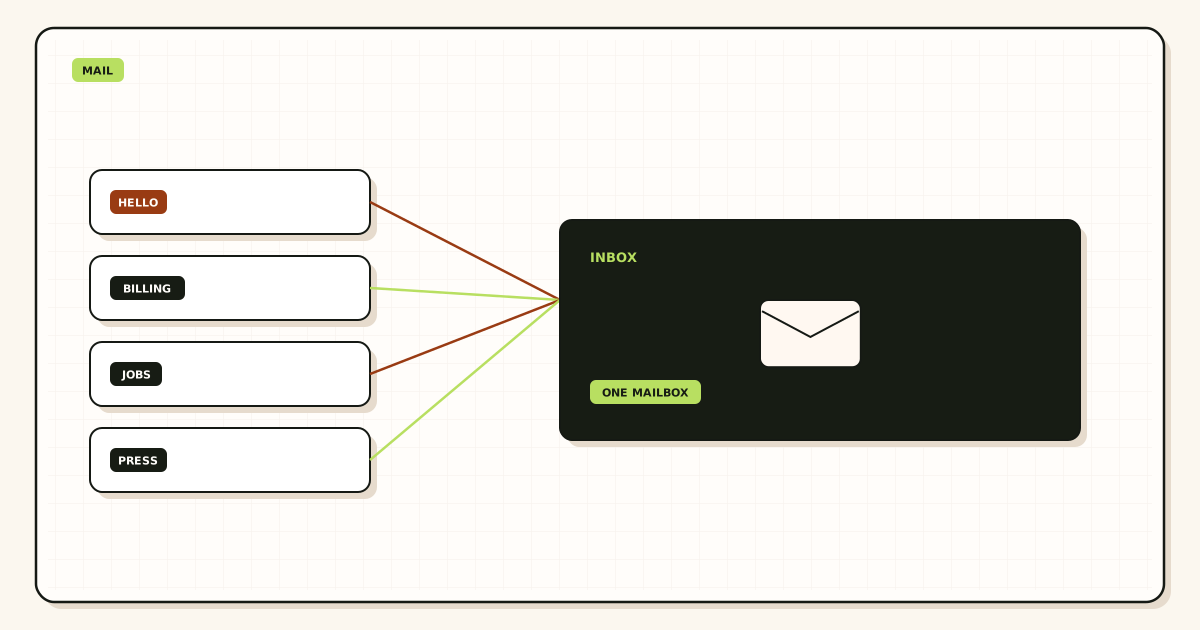
The safest WordPress SMTP custom domain setup is inbound first, then outbound. Verify the domain. Map hello@ or notify@ to a Gmail or Outlook you already read. Publish exclusive MailerZ MX. Delete leftover hosts. Probe from another mailbox. Upgrade. Create one SMTP credential. Put those values into a WordPress SMTP plugin. From must equal the approved identity. Submit a unique subject. Confirm outbound history and the dest inbox.
MailerZ is inbound MX plus authenticated SMTP from Secuno LLC. Envelope SRS only on the forward. Header From, Subject, Date, Message-ID, body, and MIME are never rewritten on inbound. Outbound Header From is the identity you set in WordPress, which must be an alias you created. Not Google Workspace, not IMAP or POP, not an open relay. Transport still follows IETF RFC 5321 — Simple Mail Transfer Protocol.
Free is one domain, ten aliases, one seat, a 14-day store, send-as Off, SMTP Off, and API Off. Solo is $40 per year: 2,500 outgoing per month, 20 per hour. Starter is $8 or $80, 5,000 and 40. Business is $19 or $190, 12,000 and 60. Agency is $39 or $390, 20,000 and 60. Unlimited is $99 or $990, 100,000 and 300, with a 180-day store. Confirm MailerZ pricing. Caps are capacity, not an inbox-placement SLA.
Related: send and reply as your domain, contact form SMTP, and MailerZ documentation. Gmail’s human attach path is Google Gmail Help — Send mail from a different address. That page is not a WordPress screen.
The user problem and the decision criteria
WordPress “email not sending” is usually PHP mail() on a host that blocked port 25, a From that was never an alias, or a Gmail app password stuffed into a plugin. The site owner then buys a mailbox they will never log into. They needed SMTP, not IMAP.
The other failure is send-as that works while hello@ inbound is dead. Leftover MX still answers customers. Password resets leave as the domain. Replies to the printed address vanish. Prove inbound before you celebrate a green plugin test.
| Question | If yes | If no |
|---|---|---|
| Must From be the domain? | Paid MailerZ SMTP. Named alias. | You are not done. Host-branded From trains spam buttons. |
| Is Gmail already the archive? | Keep it. WordPress is only a client. | You are shopping for hosting, not this page. |
| Is the traffic operational? | Forms, resets, invoices. In scope. | Newsletters stay on an ESP. |
| Can you delete leftover MX? | Cutover is possible. | Do not print hello@. Split inbound. |
| Will one From identity cover the plugins? | Share one SMTP user. Stay under caps. | Split notify@ and billing@ on purpose, not by accident. |
Technical mail flow
WordPress calls wp_mail. A plugin replaces the transport with SMTP. The site authenticates to MailerZ. MailerZ checks the plan, the From identity, and the rate limit. It submits or returns 550. Staff read the dest inbox. There is no WordPress IMAP login on the domain.
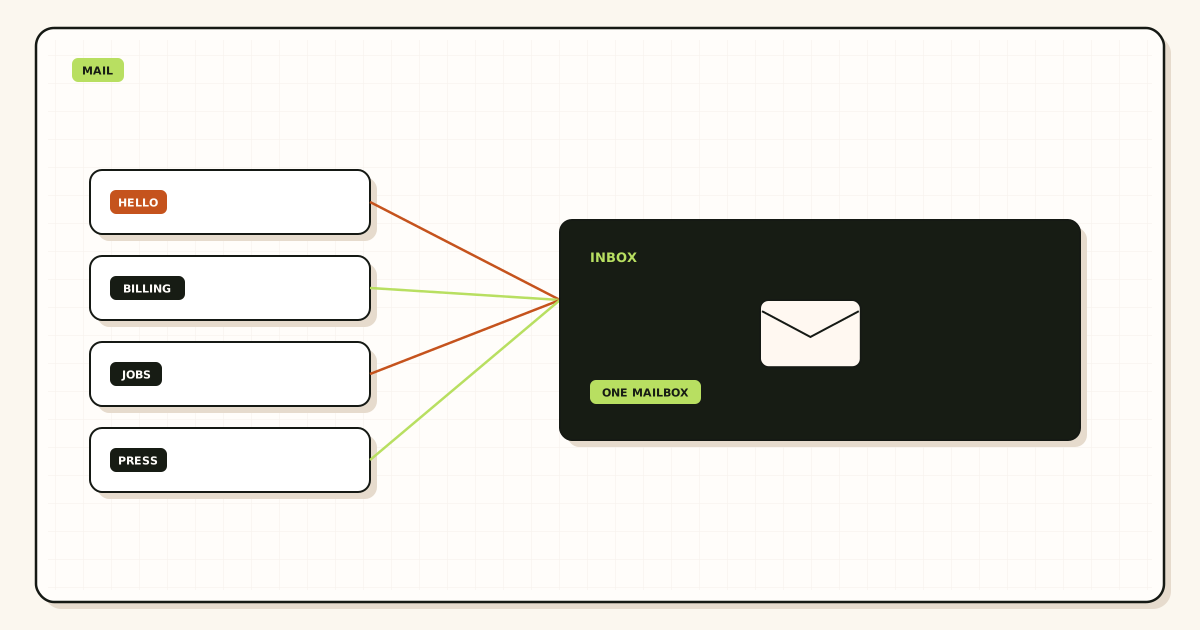
Inbound is a separate conversation. A customer replies to notify@yourdomain.com. Their server looks up MX. If MailerZ answers, the alias map forwards to Gmail. If leftover Google or registrar MX answers, the reply never reaches the plugin’s “success” story. Exclusive MX is a WordPress requirement even though WordPress never edits MX.
SPF, DKIM, and DMARC authorize the paid sender. Publish dashboard values. A green plugin “send test” that still fails DMARC at the receiver is an authentication miss, not a WordPress bug. Those records are not encryption and not a Primary-tab promise.
Self-send from the dest Gmail to itself can hide both hops. Trigger the form from a browser. Send the test to a third mailbox. Title it uniquely so history search matches.
Step-by-step setup
Name the From and the dest
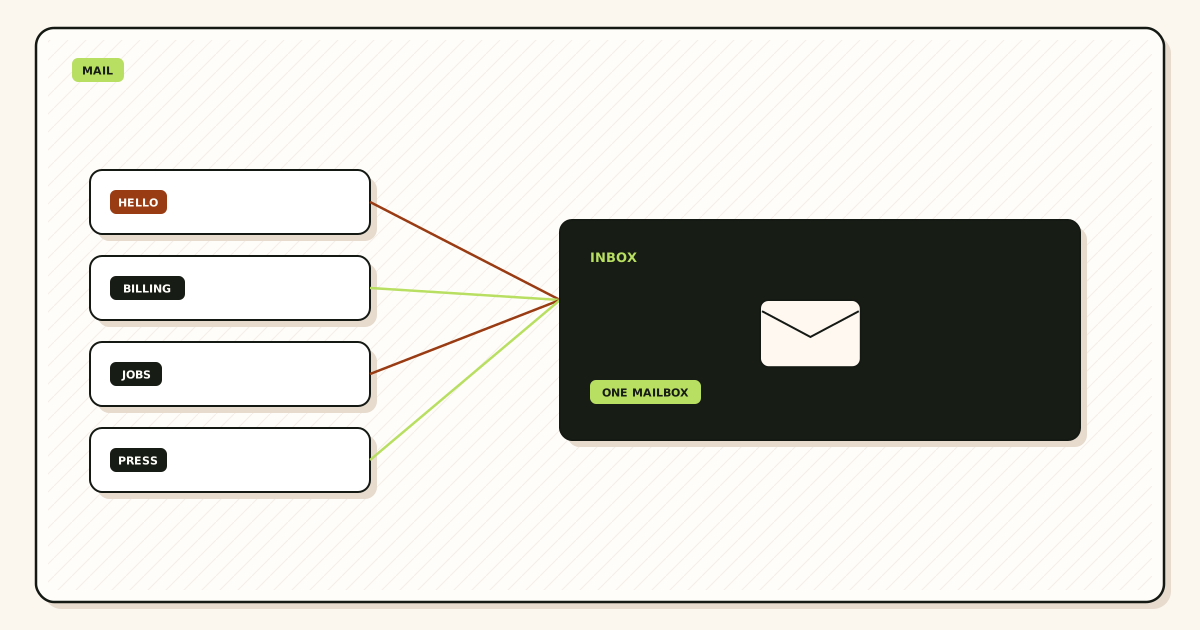
notify@ or hello@ into a Gmail you already read. Do not use a From you did not create.
Verify the domain and map the alias
Publish the TXT. Create the local-part. Free allows ten aliases. Hold unknowns.
Publish one MX set and delete leftovers
Copy MailerZ MX. Remove old hosts. Check DNS diagnostics from two views.
Prove inbound from another mailbox
Unique subject. Confirm Header From and history. Then continue.
Upgrade and copy SMTP as a pair
Host, port, encryption, username, generated password. Do not invent port 25. Do not paste a Google password.
Configure the WordPress SMTP plugin
From name, From address equal to the alias, authenticate, TLS as shown. Save. Do not leave “force From” pointed at webmaster@the-host.
Prove outbound
Trigger a reset or form. Confirm dest copy and outbound history. Then revoke any old host SMTP the site still stored.
Failure modes and proof
| What you see | Likely cause | Proof |
|---|---|---|
| Authentication failed | Still on Free, stale password, or mixed host/port/TLS. | Plan. Re-copy the dashboard pair. |
| 550 / 550 5.7.1 | From not approved, or domain not hosted. | Exact SMTP line in history. |
| Plugin test green, customers never arrive | Leftover MX on inbound. | Public MX from two resolvers. |
| From shows the host brand | Plugin From not forced. wp_mail default. | Received Header From. |
| Hourly lock mid-day | Form flood or newsletter on role SMTP. | Outgoing count versus plan cap. |
| PHP mail() silent fail | Host blocked unauthenticated send. | Server mail log. Switch to SMTP. |
Proof is the dest copy plus the MailerZ outbound row. Do not send the SMTP password to support or paste it into a ticket. Rotate if it already leaked into a repo.
MailerZ workflow and product boundary
Site: mailerz.net. App: mail.mailerz.net. WordPress stores a credential. MailerZ accepts or refuses. Gmail stores the thread. See email forwarding for the inbound hop.
What MailerZ does
- Accept inbound for named aliases.
- Hold unknowns on Free.
- Authenticated SMTP on paid plans from approved identities.
- Delivery history for both hops.
- 14 / 90 / 180 day hop store by plan, not a WordPress archive.
What MailerZ does not do
- Install or support a specific WordPress plugin.
- Provide IMAP or webmail on the domain.
- Offer send-as on Free.
- Promise inbox placement or SOC 2 / ISO / HIPAA. Controls: Security and Trust Center.
- Send campaigns or purchased lists.
Seats operate the dashboard. They are not extra WordPress users. Free and Solo are one seat. Starter is five. Confirm live numbers on pricing the day you buy.
Cost, alternatives, and trade-offs
Host-included “mail()” looks free until it fails closed. A transactional ESP is right for volume and templates. A MailerZ paid plan is right when the same domain already receives on MailerZ and WordPress only needs operational From. Two SMTP vendors on one visible From is how SPF stops making sense.
| Approach | You get | You give up |
|---|---|---|
| MailerZ paid SMTP + WP plugin | One From, one history, existing inbox. | Published caps. You operate DNS. |
| PHP mail() | No credential to leak. | Host blocks. Ugly From. No hop evidence. |
| Gmail password in the plugin | A week of luck. | A leaked consumer password. Policy fights. |
| Transactional ESP | Templates and volume. | A second sending identity to authenticate. |
Count form bursts against Solo’s 20 per hour before you decline Starter. A contact form under a botnet is not “WordPress broken.” It is a cap plus a missing rate limit. Add a captcha. Do not raise the plan to hide an open form.
Plugins, cron, and WooCommerce
Any maintained SMTP plugin that can set host, port, encryption, user, password, and From will do. This article will not rank plugins or invent screenshots. Copy the dashboard pair. If the plugin stores the password in the database, treat that database backup as a secret. Rotate on offboard.
WooCommerce order mail is still operational send if volume fits the plan. It is not a license to pipe abandoned-cart campaigns through role-mail SMTP. Split marketing to an ESP on a subdomain. Keep notify@ or orders@ on MailerZ. Publish the matching SPF include for the sender that actually sends.
WP-Cron can retry a failed send into a burst. If history shows a stampede after a host outage, pause cron, fix SMTP, then release. Do not “fix” a 550 by adding a second plugin that submits the same From to a random relay.
Multisite needs one From policy per site or a deliberate shared identity. A network that sends as twenty local-parts needs twenty aliases and a plan that holds them. Free’s ten names will not cover a twenty-site network. That is a capacity question, not a plugin bug.
Staging sites must not share production SMTP. A staging form that emails real customers is an incident. Use a reject From, a hold alias, or disable mail on staging. Rotate if staging ever had the production password.
Contact Form 7, Gravity Forms, and similar tools are still wp_mail clients. They do not replace MX. They do not create send-as. If the form “To” is hello@yourdomain.com and leftover MX still points at the builder, the owner never sees the lead even when SMTP From looks perfect on the auto-reply.
Environment files beat wp-config paste when you can keep secrets out of git. If you must use constants, keep them off public repos. Do not mail the password to a freelancer. Issue a new SMTP user for the contractor and revoke it on handoff. Agencies should keep per-client credentials. See SMTP credentials in env files for the secret-handling pattern.
A one-hour acceptance test
Browser submit with a unique subject. Dest inbox shows the domain From. MailerZ outbound row matches the timestamp. Inbound probe to the same local-part still works. Bad password fails closed on a staging copy. No Gmail password in the plugin. No leftover MX. That packet is “WordPress email from your domain without a mailbox.” A green plugin badge alone is not.
If you later attach Gmail Send mail as for humans, use the same paid identity. Two From strings for one brand is two leak surfaces and two SPF stories. Keep the plugin From and the human From aligned unless you created both aliases on purpose.
Header From on inbound stays the original customer when they mail hello@. WordPress outbound Header From is the alias you set. Do not rewrite inbound with the site. MailerZ will not rewrite inbound Header From to make a CRM happier. Parse the dest copy you already have.
What “without a mailbox” refuses
Without a mailbox means no IMAP login on your domain, no MailerZ webmail, and no second store you will ignore. It does not mean “no destination.” Someone still reads Gmail. If nobody reads the dest, WordPress SMTP only produces history rows. Hire a human or buy a suite. Do not blame the plugin.
It also refuses open relay folklore. A host that lets WordPress send without a password is not simpler. It is how the domain gets used for spam. MailerZ unauthorized send is 550 / 550 5.7.1. That refuse is the product. A plugin that “works” against an open port 25 is a liability.
Password reset mail is the first real test after a form test. Resets leave as the domain, land in the user’s inbox, and must be trusted. If From is wordpress@the-vps, users delete them. If From is notify@yourdomain and SPF is missing, filters argue. Publish dashboard SPF, DKIM, and DMARC after you pick MailerZ as the sender. Then trigger a reset to a third mailbox you own.
Comment notifications and membership plugins add volume. Count them. A busy comment thread can burn Solo’s 20 per hour before noon. Rate-limit comments. Or move comment mail off the role identity. Plan caps are published on pricing. They are not a bug and not an inbox SLA.
Agencies shipping many WordPress sites should issue one SMTP user per site or per client zone. A shared .env across ten sites is every client’s incident when one site leaks. Rotate on handoff. Delete MX you own when the retainer ends. Do not leave production passwords in a demo site.
HTTPS on the admin does not encrypt SMTP. TLS on the SMTP session is a different hop. Copy the encryption the dashboard shows. Do not disable TLS because a stale plugin screenshot said port 25. Do not confuse STARTTLS with “the form is private.” The dest admin still sees the body.
If counsel asks whether WordPress SMTP is HIPAA, the answer is no. MailerZ does not claim HIPAA, SOC 2, or ISO 27001. Point questionnaires at /security. If the form collects health data, you need a different stack than a contact plugin plus a hop store. The 14-day Free store and the 90-day paid store are hops this layer saw, not a legal hold.
Related sending without a mailbox, not WordPress-specific: send from your domain without hosting a mailbox. This page stays on wp_mail, plugins, cron, and WooCommerce. That page is the general hop.
Last operational habit: after every plugin update, send one unique subject. Updates reset From, clear passwords, or re-enable PHP mail(). A quarterly review is not enough if you update weekly. Keep the proof packet next to the site runbook: MX screenshot, inbound probe, outbound history, plugin From screenshot. The next argument should not restart at “the host said mail() is fine.”
Hosts, ports, and what not to invent
Shared hosts still document “use localhost and port 25.” That path is the host’s pickup, not MailerZ. If you want the domain From and MailerZ history, you must leave the box and authenticate. Copy the host name the dashboard shows. Copy the port and the encryption together. A plugin that lets you pick “none” will submit and then fail at policy. That failure is correct.
Some hosts block outbound 465 or 587 from the web tier. That is a firewall ticket, not a reason to fall back to PHP mail() or a Gmail password. Ask the host to allow the MailerZ SMTP host on the documented port. If they refuse, the site cannot send as the domain from that server. Move the site or send through an application layer you control. Do not open an unauthenticated relay to “make WordPress work.”
Reply-To is not From. A form can set Reply-To to the visitor and From to notify@. That is the usual pattern. Do not set From to the visitor. That is spoofing and a 550. Do not set Reply-To to a leftover builder address. Staff will answer the wrong hop.
Attachments on contact forms count as outgoing too. A resume flood can hit the hourly cap. Limit file size. Hold the form behind a captcha. History will show the accepts you got and the 4xx when the cap hit. Raise the plan only if the volume is real customers, not bots.
Internationalized From names are fine. Internationalized local-parts are not a reason to skip the alias create step. Create the identity you will send as. Catch-all FORWARD does not mint SMTP From. Free will not send either way.
Membership plugins, LMS notifications, and booking confirmations are still operational mail if they stay inside the monthly cap. Count them before you pick Solo. Starter is 5,000 outgoing. Business is 12,000. If the site is a list, stop. Buy an ESP. MailerZ will not become a campaign platform because WooCommerce is installed. Confirm live outgoing ceilings on pricing the week you launch, not from memory.
When a host migrates the site to a new IP, SMTP often breaks because the firewall allow-list was the old address. Re-test the unique subject the same day. Do not wait for customers to miss resets. The credential did not change. The path out of the server did. Keep that re-test on the migrate checklist next to DNS.
FAQ
What is the safest way to send WordPress email from a custom domain without a mailbox?
Prove inbound first. Map a named From alias, publish exclusive MailerZ MX, and probe from another mailbox. Upgrade to a paid plan. Put the dashboard host, port, TLS, username, and generated password into a WordPress SMTP plugin. Set From to that exact alias. Do not use PHP mail() or a Gmail password. Free has no send-as.
Does this require a new mailbox?
No. WordPress is a send client. Staff still read Gmail or Outlook. MailerZ is Mail Box portal webmail (Inbox, Sent, New email). It is not IMAP or POP. A hosted mailbox is a different purchase if you need a stored seat or Calendar.
Will it work with Gmail or Outlook?
Notify messages land in those inboxes as ordinary mail when the destination is a real address you control. Humans who also reply as the domain attach Gmail Send mail as or a manual Outlook SMTP identity on the same paid From. Labels vary by client.
What DNS records are involved?
A verification TXT, one MailerZ MX set, leftover MX removed, plus the SPF, DKIM, and DMARC values the dashboard shows for sending. WordPress does not publish those records. Leftover MX still breaks replies to hello@ even if SMTP submit succeeds.
What should I test before production?
Submit a form or trigger a password reset with a unique subject. Confirm Header From, the destination inbox, and outbound history. Confirm a bad password fails closed. Confirm inbound to the printed address from another mailbox. Self-send can lie.
Can WooCommerce or a contact plugin use the same SMTP user?
Yes if they send as the same approved From and stay inside the hourly and monthly caps. Do not point a newsletter plugin at role-mail SMTP. Lists belong on an ESP and a sending subdomain.
Key takeaways
- WordPress is a send client. It is not a mailbox and not IMAP.
- Prove inbound and exclusive MX before you celebrate SMTP.
- Free cannot send. Paid SMTP requires an approved From.
- Copy host, port, and TLS as a pair. Do not use PHP mail().
- Do not put a Gmail password in a plugin.
- Stay inside hourly and monthly outgoing caps.
- Newsletters stay on an ESP. Staging must not share production SMTP.
- MailerZ is not SOC 2 and not an inbox-placement promise.
Conclusion and next action
How to send WordPress email from your domain without a mailbox is a paid SMTP hop around the inbox you already have. Name the From. Cut leftover MX. Authenticate. Prove both directions. Do not buy a mailbox seat to fix wp_mail.
Next: add one domain, map notify@, probe inbound, upgrade, paste the dashboard pair, and trigger a unique subject. The docs have field maps. Register is one domain.
Prove inbound, then attach WordPress
Start free with one domain. Pay when the site must send as you.
Free receives. Paid SMTP sends. Sign in if the domain is already there.
If the plugin still offers “send with Gmail,” decline it. The store can be Gmail. The SMTP user must be MailerZ on a paid plan.
Review quarterly, or sooner if WordPress mail plugins or MailerZ SMTP limits change. Author: MailerZ editorial, Secuno LLC.