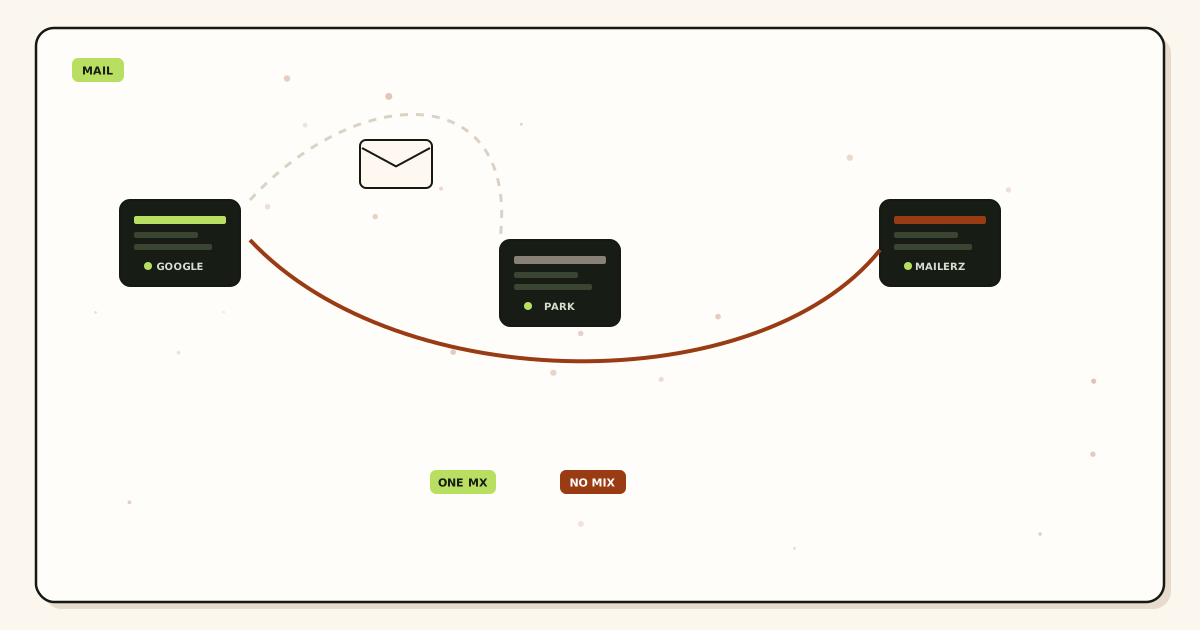
Cloudflare email routing migration is an MX cut, not a mailbox move. You already forward to Gmail or Outlook. MailerZ is the next inbound hop. The failure mode is keeping Cloudflare’s routing exchangers published “just in case.” That is leftover MX. Some senders never arrive. Screenshot the old set, map aliases, publish one owner, turn routing off, then prove inbound from another mailbox.
Quick answer for cloudflare email routing migration
Inventory every Cloudflare routing rule and destination. Recreate those local-parts in MailerZ. Copy the MailerZ MX set from the dashboard. Replace the Cloudflare routing MX entirely. Disable Email Routing so a later save does not republish route hosts. Query 1.1.1.1 and 8.8.8.8. Product path: migration planner and troubleshooting.
Cloudflare documents their own exchangers in Email Routing documentation (nofollow on a commercial product page if you treat it that way; the docs are still the names you delete). Dual-publishing those names beside MailerZ is leftover MX with extra branding. MX selection is in IETF RFC 5321 — Simple Mail Transfer Protocol. Domain names are in IETF RFC 1035 — Domain names.
Google’s sitemap and helpful-content guidance is about pages, not SMTP; see sitemaps and creating helpful, reliable, people-first content. A migration article that only says “wait 48 hours” without listing leftover hosts is how invoices vanish.
MailerZ Free can receive on one domain once MX is exclusive. Solo is $40 per year when you also need send-as. Starter is $8 or $80. Business is $19 or $190. Agency is $39 or $390. Unlimited is $99/month or $990/year. Confirm MailerZ pricing. Cloudflare Routing does not become IMAP. MailerZ does not either. No plan heals dual MX. No inbox SLA.
The user problem and the decision criteria
You want send-as, HOLD, or a hop that is not tied to a free routing product that can change. Or you hit a Cloudflare routing limit and still do not want Workspace seats. The decision is exclusive cutover versus a named drain window. Parallel MX is not safe receive. Parallel configuration—aliases live in MailerZ while Cloudflare still owns MX—is the safe prep.
| Question | If yes | If no |
|---|---|---|
| Is Cloudflare NS still live? | Edit MX in Cloudflare DNS, not the registrar tab. | Find the live zone first. Theater MX does nothing. |
| Do you still need CF Routing on? | Then you have not cut over. Do not add MailerZ MX yet. | Good. Publish exclusive MailerZ and disable routing. |
| Are you keeping both MX sets? | Leftover MX. Stop. Delete one owner. | One set. Continue. |
| Is the destination still Gmail? | No new mailbox. Map aliases. | You chose a new store. That is a different move. |
| Do you need send-as? | Paid MailerZ. Routing never was SMTP. | Free inbound can be enough. |
Technical mail flow
Today senders resolve Cloudflare routing MX, Cloudflare matches a rule, and a copy goes to Gmail. After cutover, senders resolve MailerZ MX, MailerZ matches an alias, and a copy goes to the same Gmail. Envelope SRS may change MAIL FROM. Header From stays the original person. That is the hop you are buying.
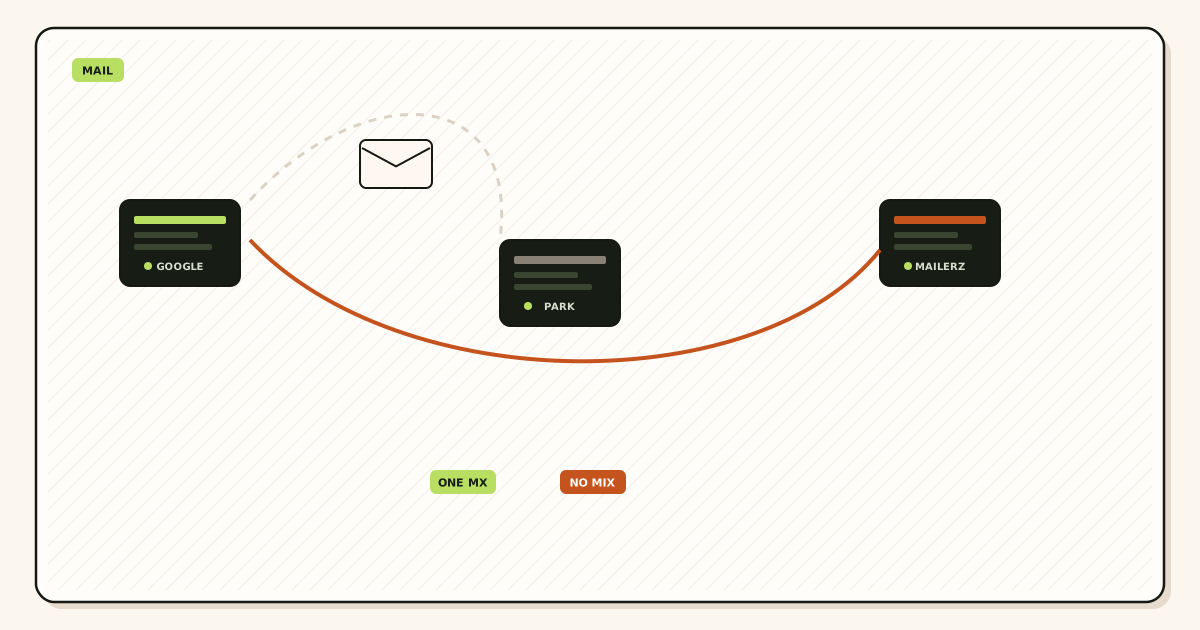
If both MX sets remain, IETF RFC 5321 — Simple Mail Transfer Protocol lets the sender pick. MailerZ history only shows the half that arrived. Catch-all FORWARD cannot collect the half that hit Cloudflare. Disable the product, not only the rows you remember.
TTL on the old MX delays consistency. Lower TTL a day before if you can. After the swap, wait the previous TTL, re-query two resolvers, then probe. Corporate resolvers cache longer. Split tests by network.
Verification TXT is ownership, not delivery. SPF, DKIM, and DMARC matter when you send as the domain. Inbound copies still use the author’s authentication. Do not rewrite From during the cut to “look cleaner.”
Step-by-step cutover
Export Cloudflare routing rules
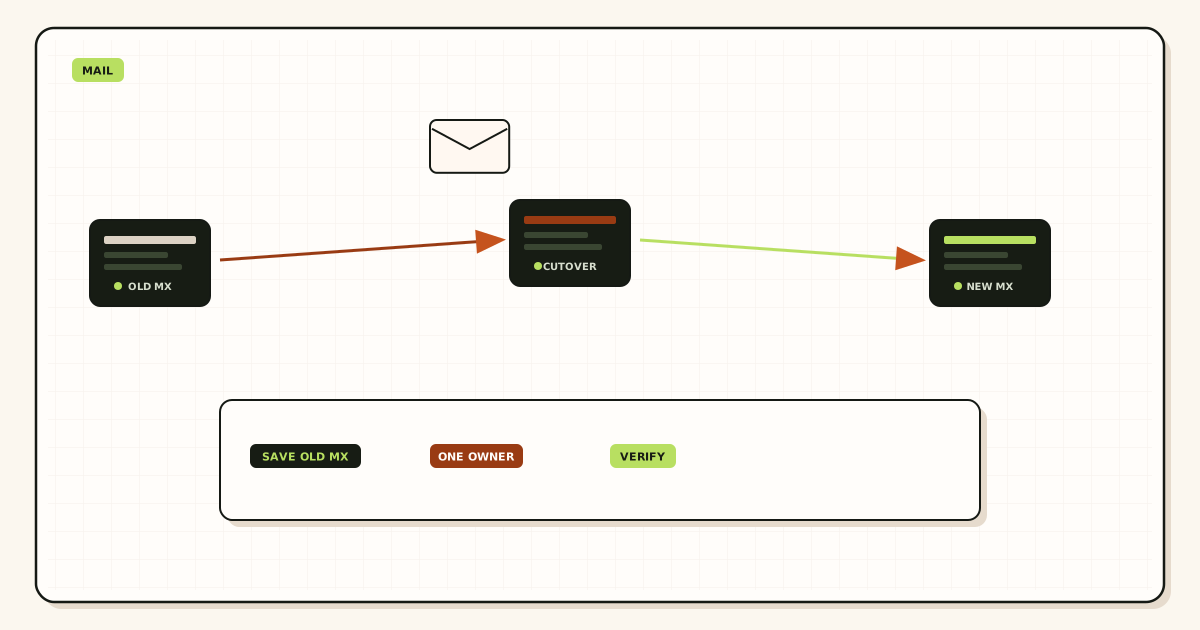
Every local-part and destination. Screenshot MX and NS. Date the file. That screenshot is rollback, not a backup MX row.
Create MailerZ aliases first
Same names. Same destinations. HOLD on unknowns unless you have a written reason to FORWARD. Free has ten aliases.
Publish exclusive MailerZ MX
Hosts and preferences from the dashboard. Delete route1, route2, and any other Cloudflare routing exchanger.
Disable Email Routing
A disabled product cannot republish MX on the next orange-cloud save. Confirm the toggle, not only the DNS tab.
Query two public resolvers
If leftovers remain, you edited theater or TTL has not passed. Wait. Do not add Cloudflare MX back.
Probe from another mailbox
Unique subject. History 250. Header From intact. Then drain anything still arriving at old destinations during TTL.
Failure modes and proof
| What you see | Likely cause | Proof |
|---|---|---|
| Some senders still hit Cloudflare | Leftover routing MX or TTL | Second resolver still lists route hosts |
| MX returns after a DNS save | Routing still enabled | Product toggle on; rows came back |
| History empty, MX exclusive | Missing alias or sender cache | Envelope name versus alias list |
| 250 empty inbox | Gmail filter or HOLD | Delivery recovery |
| Registrar tab looks clean | NS is Cloudflare; you edited theater | Public NS names Cloudflare |
| Self-send worked only | Invalid gate | Foreign probe missing |
Proof is two resolver listings, routing off, a foreign probe, and a history row. Agencies run this per zone. Client A can be exclusive while Client B still has route1.cloudflare.net.
MailerZ workflow and product boundary
MailerZ is inbound MX plus authenticated SMTP. Envelope SRS only. Header From never rewritten. It is not IMAP, not Workspace, not Cloudflare Routing, not an open relay. Unhosted SMTP is 550 / 550 5.7.1.
HOLD stores unknown local-parts on Free. Cloudflare catch-all habits do not automatically become FORWARD. Choose HOLD unless you wrote the opposite. Free is one domain, ten aliases, 14-day store, send-as disabled, SMTP and API disabled. Solo is $40 per year: 5 domains, 25 aliases, 90-day store, 2,500 outgoing, five outgoing per hour, unknowns forwarded. Starter is $8 or $80. Business is $19 or $190. Agency is $39 or $390. Unlimited is $99/month or $990/year. Confirm pricing. Limits are not an inbox SLA. No SOC 2 claim lives here.
Features describe routing. They do not merge leftover Cloudflare MX. Paid plans do not buy a bake-off.
Cost, alternatives, and trade-offs
| Choice | What you get | What you give up |
|---|---|---|
| Exclusive cut plus dated screenshot | One owner and a rollback | The comfort of two MX sets |
| Keep CF MX as backup | A quiet second hop | A complete Gmail archive |
| Stay on Routing forever | Inbound only, their limits | MailerZ send-as and HOLD store |
| Buy Workspace to migrate | A store. Quote live | The Gmail you already use |
Time is a line item. Mapping aliases before MX costs less than a day of leftover route hosts. A Free-plan send-as argument still costs more than Solo. If every teammate needs IMAP on the domain, a suite is the honest product. Pretty MailerZ DNS will not become a mailbox.
Why leftover Cloudflare MX is the usual miss
Operators add MailerZ MX at priority 10 and leave routing MX at 20. That is not failover. It is two companies. When MailerZ is reachable, some senders still pick the other name. When MailerZ is down, mail goes to a product you meant to leave. Delete the name.
Cloudflare can rewrite DNS when you toggle proxy, email, or a template. The cut is not done until routing is off and a later unrelated save still shows one MX owner. Re-query after the next change.
NS mismatch is the cousin. You edit registrar Advanced DNS while NS is Cloudflare. Public resolvers never see the “fix.” Read NS first. Edit that zone only.
Subdomains have their own MX. Cleaning example.com does not clean shop.example.com if that name still uses routing. Inventory printed names, not only the apex.
Routing is not send-as
Cloudflare Email Routing is inbound. Reply and new mail from hello@yourdomain.com need authenticated SMTP and a paid MailerZ plan. Gmail Send mail as after the MX cut still requires Solo or above. Completing inbound does not unlock Free send-as.
Publish one SPF string for send-as, one DKIM selector from the dashboard, and DMARC that starts at p=none. Do not add a second SPF record from a wizard the afternoon you cut MX. Permerror is a different ticket.
Send-as confirmation can vanish into leftover Cloudflare MX. Delete routing hosts before you paste SMTP. Self-send after that is still not inbound proof. Use a third mailbox.
Rollback without dual MX
Rollback is restore the dated Cloudflare MX set and delete MailerZ hosts the same hour—or the reverse. Dual MX during rollback is how the failed cut started. Wait TTL. Probe the owner you restored. Then decide again.
Keep Cloudflare Routing readable for one TTL window plus a day if you must drain, with its MX already gone. Mail that still arrives there is cache, not a reason to republish. Then close it.
If a second operator needs the same order without a call, send this page plus leftover MX and the migration planner. Aliases first. Exclusive set. Routing off. Foreign probe. That order prevents a bake-off that steals invoices.
Paid plans do not change the MX rule. Solo, Starter, Business, and Agency still need one inbound owner. The upgrade changes send-as and limits. It does not merge route1.cloudflare.net with MailerZ.
Legal hold is not the 14-day Free store. Two-factor on the destination Gmail is still required after cutover. Agencies: one runbook row per zone, with NS product named on the ticket.
Night operators add MailerZ MX beside routing “to test.” Morning half the bank mail is missing. Do not test with dual publish. Test with aliases live and MX still on Cloudflare, then cut exclusively in a window.
Open a held body for break-glass recovery and expect an audit row. That is a control, not a SOC 2 badge. Do not send zone passwords to support. The artifacts that close a cloudflare email routing migration are two resolver listings without route hosts, routing disabled, and a foreign-probe history 250.
IPv6 on MX hostnames is a reachability check after the names are exclusive. Dead AAAA is not leftover routing. Do not republish Cloudflare MX because one family failed. Fix the host or the copy-paste.
Catch-all on Cloudflare does not require catch-all on MailerZ. Default HOLD. If you FORWARD unknowns, you inherit harvested noise the same day. Write that choice down.
Workers, orange-cloud proxy, and Email Routing are different Cloudflare products. Proxying A records does not deliver mail. Turning the proxy off does not cut routing MX. Name the product on the ticket. “We use Cloudflare” is not a diagnosis. NS plus the routing toggle plus the MX list is.
Custom addresses versus catch-all in Cloudflare should become named aliases in MailerZ. Do not silently switch a catch-all FORWARD into HOLD on cut day without telling the people who still typo invoices. If you must keep FORWARD, say so in the handoff and watch the store.
Destination addresses in Cloudflare can be Gmail, a mailbox, or another domain. Recreate the same destination in MailerZ. Changing the destination during the MX cut is two migrations. Do one. Prove inbound. Then remap.
SPF includes leftover from a “Cloudflare email” wizard are send-as homework, not inbound. Do not merge a second v=spf1 while you cut MX. Permerror the next morning is how a simple hop move becomes a week.
Agencies: Cloudflare is often the DNS host for clients who never used Routing. Confirm Routing is actually on before you write a migration SOW. If MX is already a registrar hopper or Google, this article is the wrong runbook. Use leftover MX instead.
Plus-addressing on Gmail destinations still works after the hop change if the destination accepts plus tags. It does not replace a missing MailerZ alias. Test the printed name, not hello+cf@ as the only probe.
Night operators enable MailerZ and leave Routing on because the UI still shows green rules. Green rules with leftover MX are the incident. Disable the product. Then sleep.
Legal hold is not the Free store. Two-factor on the destination Gmail is still required after cutover. Quote live prices the day you debug. Cloudflare hostnames can change. The exclusive-owner rule does not.
Field notes for a Cloudflare routing cut
Cloudflare routing is a different inbound owner
Cloudflare Email Routing publishes MX for their hop. MailerZ publishes MX for this hop. Running both is leftover MX. Some senders hit Cloudflare, some hit MailerZ. History on one side stays quiet. That is a split, not a hybrid. Pick MailerZ, delete leftover Cloudflare routing hosts, keep Cloudflare as DNS if NS stay there. DNS hosting is not inbound mail.
Build named aliases in MailerZ while Cloudflare still owns inbound. Then exclusive-cut MX to MailerZ. Then delete the routing MX. Then foreign-probe. Do not dual-publish “during DNS.” TTL split after a correct cut is cache. Dual MX is leftover even at sixty seconds.
What you keep in Cloudflare
Website proxy, DNS, and certificates can stay. Email routing rules should not stay if MailerZ owns inbound. A leftover routing rule plus leftover MX is two ways to lose mail. Screenshot the old exclusive set before you delete. Rollback is republish that set, not both live for a month.
Verification TXT still goes on the zone that answers. If NS are Cloudflare, edit Cloudflare. Editing registrar DNS while Cloudflare serves the name is theater.
Send-as is not routing
Cloudflare routing does not create MailerZ SMTP. Paid dashboard pair. Mapped From. Free 550. Copy host, port, and TLS together. Do not paste a Gmail password into a CMS. Do not use Cloudflare as a backup MX after the cut.
MailerZ is inbound MX plus authenticated SMTP from Secuno LLC. Envelope SRS only. Header From, Subject, Date, Message-ID, body, and MIME are never rewritten. Not Google Workspace, not IMAP or POP, not an open relay. Unauthorized send is SMTP 550 / 550 5.7.1. Leftover MX is a hard stop. Self-send from Gmail to the same Gmail account can hide routing errors. Not SOC 2, not ISO 27001, not HIPAA. MailerZ Free is one domain, ten aliases, one seat, a 14-day store, send-as disabled, SMTP and API disabled, and unrouted mail held or rejected only. Solo is $40 per year only. Starter is $8 monthly or $80 yearly. Business is $19 or $190. Agency is $39 or $390. Unlimited is $99/month or $990/year. Confirm numbers on the pricing page. Limits are not an inbox-placement promise.
Worked story
A team added MailerZ MX and left Cloudflare routing MX “in case.” Preference favored Cloudflare. MailerZ looked idle. They deleted routing MX, probed from another mailbox, and the next lead showed a history row. The courtesy month was the outage.
A second team deleted routing MX but edited the registrar panel. Public NS were Cloudflare. Nothing moved. They published exclusive MailerZ MX on Cloudflare and the probe landed.
Close criteria
Aliases built. NS confirmed. Exclusive MailerZ MX on the host that answers. Cloudflare routing MX gone. Two public views. Unique-subject probes. Header From intact. Optional paid send-as after inbound is proven. Related: leftover MX, MailerZ versus Cloudflare Email Routing, migrate-from-cloudflare-email-routing, docs. Start free, exclusive cut, then upgrade when From must travel.
Operator packet for leaving Cloudflare routing
Keep DNS, drop routing MX
Cloudflare can keep NS, proxy, and certificates. Email Routing MX cannot stay if MailerZ owns inbound. Screenshot the routing MX before delete. Build MailerZ aliases first. Exclusive cut. Two resolvers. Foreign probe. Do not leave a routing rule as a ghost.
Registrar theater
If NS are Cloudflare, edit Cloudflare. Registrar MX edits change a diary. Confirm NS every time. Domain Connect is research, not a leftover excuse.
Send-as after inbound
Routing did not issue SMTP. Paid MailerZ pair. Mapped From. Free 550. Copy host, port, TLS together. Inbound leftover still steals replies after a pretty outbound 250. Prove both directions separately.
Done
Aliases ready. Exclusive MailerZ MX on the answering host. Routing MX gone. Probes green. Optional Solo for send-as. Start free. Link leftover MX and the compare page. Do not dual-publish during TTL.
Definition of done
Cloudflare Email Routing to MailerZ is finished when aliases exist, NS are the host you edited, MailerZ MX is exclusive, routing MX is gone, two public views agree or you classified TTL, and foreign probes landed. Keep Cloudflare DNS if you want. Do not keep routing MX as backup. Paid send-as is a later hop. Free 550 is honest. Start free, exclusive cut, then Solo when From must travel.
Screenshot the old routing MX before delete. Rollback is republish that exclusive set. A month of both hosts is leftover, not safety. Related leftover MX and compare pages exist. Not IMAP. Not SOC 2.
Proof you can keep
A routing cut you can roll back
Save Cloudflare routing MX as text. Build MailerZ aliases. Publish exclusive MailerZ MX on the Cloudflare zone if that is who answers NS. Delete routing MX. Probe. If the hop is wrong, republish the saved routing set exclusively — not both. A tenant or DNS account can stay. Leftover routing MX cannot if MailerZ owns inbound.
Website proxy is not mail. Certificates are not MX. Send-as is not routing. Free 550 is honest. Solo when From must travel. Confirm pricing. Start free. Do not dual-publish during TTL. Do not edit the registrar if NS are Cloudflare.
FAQ
What is the safest way to handle cloudflare email routing migration?
Create MailerZ aliases first, screenshot Cloudflare’s MX, then publish only the MailerZ set and turn Email Routing off so it cannot republish. Query two resolvers. Probe from a mailbox that is not Gmail. Dual-publishing both MX sets is leftover MX, not a bake-off.
Does this require a new mailbox?
No. Gmail or Outlook can stay the destination. MailerZ is not IMAP. Cloudflare Routing was also a hop, not a store. Buy hosting only if you need folders on the domain instead of Gmail.
Will it work with Gmail or Outlook?
Inbound works when exclusive MailerZ MX and a mapped alias exist. Self-send from Gmail can hide leftover Cloudflare MX. Paid MailerZ send-as is a second job Cloudflare Routing does not replace. Free has no send-as.
What DNS records are involved?
NS tells you whether Cloudflare is the live zone. MX must become the MailerZ dashboard set only. Delete route1/route2 and similar Cloudflare routing hosts. Verification TXT. SPF, DKIM, and DMARC when you send. See Cloudflare’s own routing docs for the leftover names you are removing.
What should I test before production?
Two-resolver MX with no Cloudflare routing hosts, a uniquely titled third-mailbox probe, Header From intact, history 250, then drain any mail still arriving at old destinations. Re-query after the next DNS save. Self-send is not the gate.
Key takeaways
- Cloudflare email routing migration is exclusive MX, not a mailbox move.
- Map aliases before the cut. Screenshot the old set for rollback.
- Dual-publishing routing MX is leftover MX. Delete it. Disable the product.
- Edit the zone NS names. Registrar tabs can be theater.
- Foreign probe plus history 250. Self-send is not the gate.
- Routing is not send-as. Free inbound. Solo starts SMTP.
- Confirm /pricing. Limits are not an inbox SLA.
- Envelope SRS only. Not IMAP, not SOC 2.
Conclusion and next action
If you are leaving Cloudflare Email Routing, do not bake off two MX owners. Recreate aliases. Publish only MailerZ. Turn routing off. Prove inbound from another mailbox. MailerZ can show the new hop. It cannot retrieve mail leftover route hosts accepted. Start free on one domain and run the exclusive cut.
Ready to cut one inbound owner
Start free with one domain and aliases before MX.
Inbound on Free. Solo when send-as is the job. Sign in if the domain is already there.
Review quarterly, or sooner if Cloudflare routing hostnames or MailerZ MX hosts change. Author: MailerZ editorial, Secuno LLC.